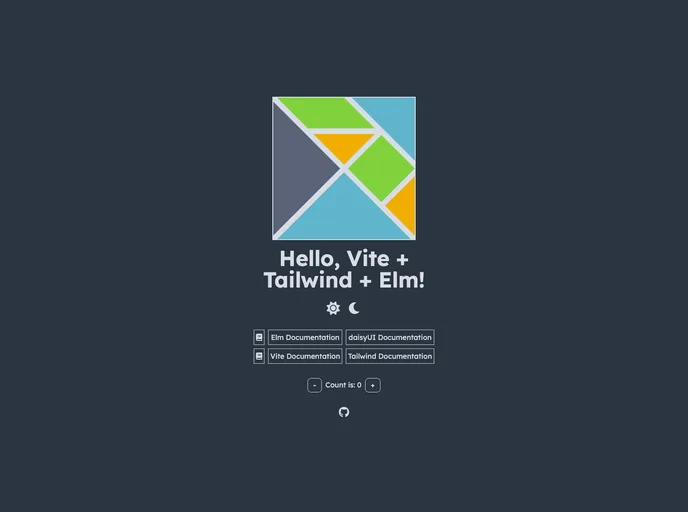
Opinionated template for building Elm web apps using Vite, TailwindCSS and daisyUI.
Overview
The Elm web application template utilizing Vite, Tailwind CSS, and daisyUI is an exceptional starting point for developers looking to create fast and responsive web applications. With a focus on modern tools and a clean design framework, this template offers a robust foundation for both new and experienced developers who want to leverage the power of Elm combined with the styling capabilities of Tailwind CSS.
One of the standout features of this setup is the seamless integration of daisyUI, which enhances the Tailwind CSS experience by providing a rich library of components. The combination of these technologies encourages best practices while also simplifying the development process, making it easier to create appealing, accessible web applications.
Features
- Hot Module Reloading: Using the vite-plugin-elm, the template enables hot-module reloading, allowing for a smoother development experience by instantly reflecting code changes in the browser.
- Performance Optimization: With various plugins like vite-plugin-webfont-dl and vite-plugin-compression, the template ensures that web performance remains a priority through font management and resource compression.
- Comprehensive Elm Tooling: It includes essential tools for managing Elm applications, such as elm-tooling for command line management and elm-format for consistent code style according to Elm’s standards.
- Integrated Testing Framework: The template comes with elm-test for unit and fuzz testing, helping developers ensure their code is reliable and free of critical errors before deployment.
- Accessible HTML Practices: With packages like tesk9/accessible-html, developing accessible web applications becomes easier, promoting better user experiences for all.
- Tailwind CSS and daisyUI Support: Utilizes Tailwind CSS v4 along with the daisyUI component library, which simplifies implementing responsive designs and themes, whether light or dark.
- VS Code Configuration: Pre-configured workspace settings and recommended extensions streamline the setup process in Visual Studio Code, enhancing productivity from the start.
- Easy Project Setup: The template offers a straightforward setup process via degit, allowing developers to clone the repository without .git history, thus maintaining a clean and efficient project structure.