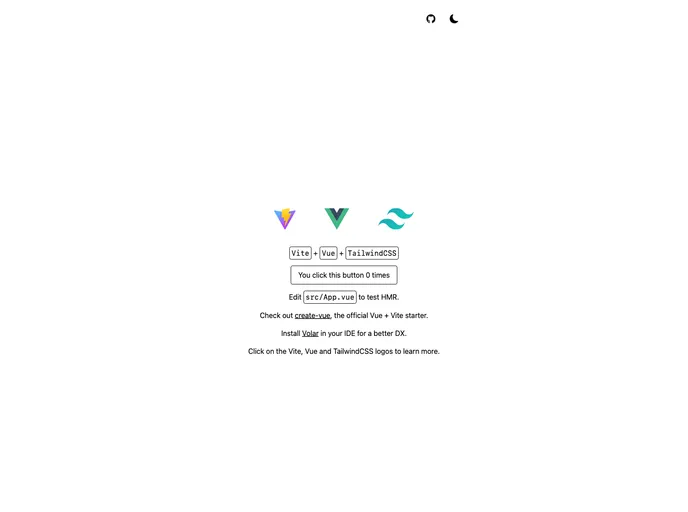
Template Vite Vue Tailwind screenshot

Template Vite Vue Tailwind

Author Avatar Theme by Ansidev
Updated: 13 Apr 2025
7 Stars

Vite, Vue 3, TS, Tailwind

Categories

Overview

This product is a template that helps developers get started with developing using Vue 3, TailwindCSS, and TypeScript in Vite. It includes features such as Vue 3 <script setup> SFCs, Tailwind CSS with Light/Dark mode, Nano Store for state management, page speed optimization, SEO, and easy deployment on platforms like Netlify and Vercel. The template also recommends an IDE setup using VS Code and Volar for enhanced type support for .vue imports in TypeScript.

Features

  • Vue 3, Vite 3, pnpm, ESBuild
  • Nano Store for state management
  • Tailwind CSS with Light/Dark mode
  • Library and Vue Component auto importing
  • Page speed optimization
  • SEO
  • Easy deployment on Netlify and Vercel
  • Enhanced type support for .vue imports in TypeScript with Volar’s Take Over mode

Installation

  1. Make sure you have Node version 14.18 or above installed.
  2. Clone the source code to your local machine.
  3. To manually set up the project, run the following command to install dependencies:
pnpm install

Development

  1. To start the development server, run the following command:
pnpm dev
  1. Visit http://localhost:5173 in your browser to view the app.

Build

  1. To build the app for production, run the following command:
pnpm build
  1. The generated files will be located in the dist folder and are ready to be served.

Deploy on Netlify

  1. Go to the Netlify platform and select your cloned project.
  2. Follow the on-screen instructions to deploy your app on Netlify.

Deploy on Vercel

  1. Go to the Vercel platform and click “Add new -> Project”.
  2. Select your cloned project and follow the instructions to deploy your app on Vercel.

Summary

This template provides a convenient starting point for developers looking to build Vue 3 applications with TailwindCSS and TypeScript using the Vite build tool. It includes various features such as state management, optimized page speed, SEO, and easy deployment options. The template also offers enhanced type support for .vue imports in TypeScript through Volar’s Take Over mode. The installation process is straightforward, and the template provides clear instructions for development, building, and deployment.
