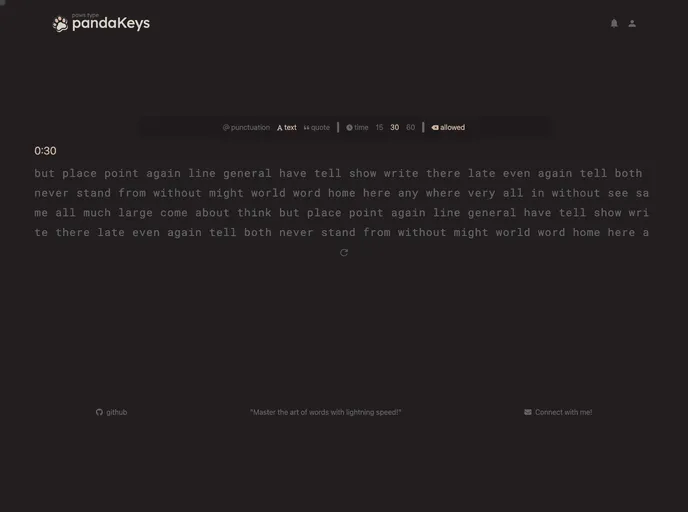
A typing speed test made using SvelteKit and Tailwind CSS.
PandaKeys is a typing speed test application inspired by monkeyType. It allows users to test their typing speed and accuracy by presenting them with a portion of text to type as quickly and accurately as possible. The website calculates the user’s typing speed in words per minute (WPM) and provides other statistics.
To run the PandaKeys JavaScript file, follow these steps:
<command>.This command will execute the script and start the development server.
PandaKeys is a web-based typing speed test application that allows users to measure their typing speed and accuracy. It provides customizable options for the test duration and text, and offers a simple interface for users to type the provided text. The application calculates the user’s typing speed in words per minute (WPM) and displays accuracy and other statistics. Users can easily reset the test and try again for multiple attempts. Contributions to the project are welcome via the GitHub repository.

