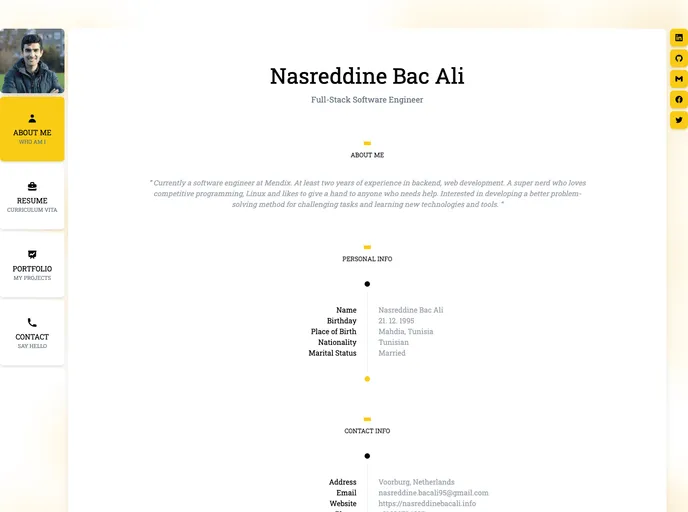
Personal Resume website template using ReactJS.
Create React App is a tool that allows developers to quickly set up a new React project with a predefined project structure and configuration. It provides a curated feature set that is suitable for small to middle deployments. With Create React App, developers can easily start building web applications using React without the need to configure the build tools and development environment from scratch.
To install Create React App, follow these steps:
Ensure that you have Node.js installed on your machine.
Open your terminal or command prompt and run the following command to install Create React App globally:
npm install -g create-react-app
Once the installation is complete, you can create a new React project by running the following command in your desired project directory:
npx create-react-app my-app
Change into the project directory:
cd my-app
Finally, start the development server by running the following command:
npm start
This will open the application in your default browser, where you can start building your React application.
Create React App is a powerful tool that simplifies the initial setup process of a React project. It provides a fast and easy way to start building web applications using React by handling the configuration and setup of build tools and development environment. With its optimized production build and easy deployment process, Create React App helps developers focus more on writing code and less on setting up the project infrastructure.

