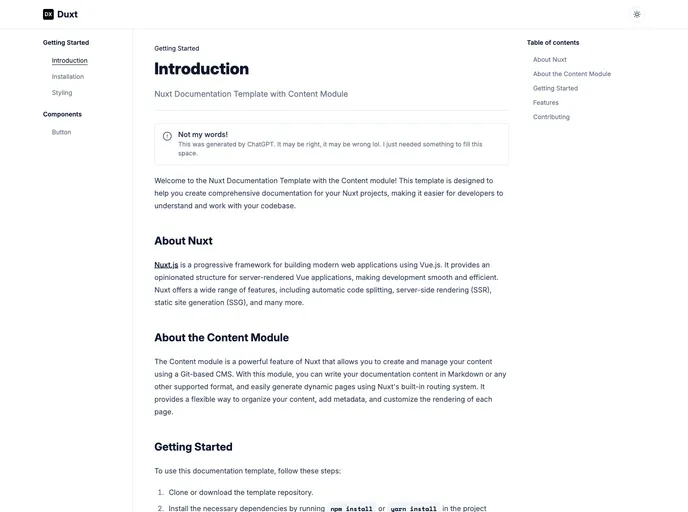
Documentation template created with Nuxt 3 + TailwindCSS + Nuxt Content
The DuxtA starter template is designed for creating documentation for projects or packages. It provides a preview at duxt.behonbaker.com and utilizes various modules such as @nuxt/content, nuxt-icon, @nuxtjs/tailwindcss, @vueuse/nuxt, nuxt-lodash, and nuxt-headlessui. The template’s styling is copied from shadcn/ui and the author plans to build additional components based on this design.
To install the DuxtA starter template, follow these steps:
git clone <repository_url>
cd <project_directory>
npm install
or
yarn install
The DuxtA starter template is a helpful tool for creating documentation for projects or packages. It offers a preview of the documentation and includes various modules for enhanced functionality. The template’s styling is inspired by shadcn/ui and the author plans to expand on it by creating additional components.

