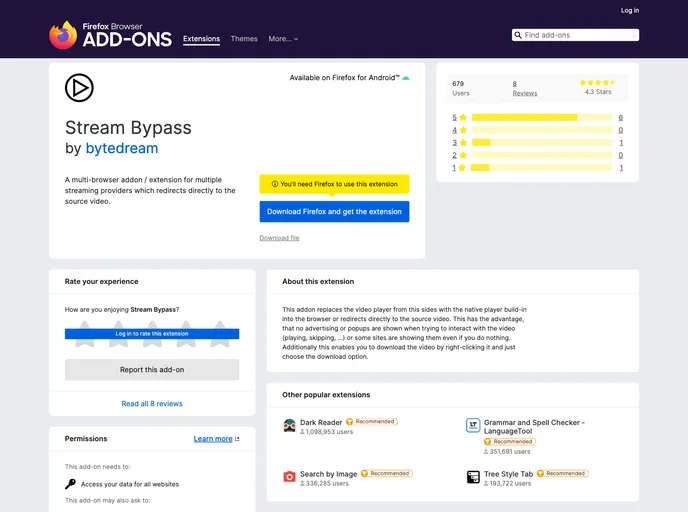
Stream Bypass screenshot

Stream Bypass

Author Avatar Theme by Bytedream
Updated: 11 Jan 2026
204 Stars

A multi-browser addon / extension for multiple streaming providers which redirects directly to the source video

Categories

Overview

Stream Bypass is a multi-browser addon/extension designed for multiple streaming providers. It facilitates a seamless experience by redirecting directly to the source video or replacing the video player with the native player built into the browser. This feature prevents disruptive elements like advertising or pop-ups when interacting with the video, while also enabling users to download videos with ease.

Features

  • Replace site-specific video player with browser native video player
  • Support websites accessed via a redirect
  • Open video in mpv (with ff2mpv)

Installation

Official Browser Stores

Firefox Addon Store

  1. Download stream-bypass-<version>-mv2.zip from the latest release and unzip it.
  2. Go to your browser and type about:debugging#/runtime/this-firefox in the address bar.
  3. Click the “Load Temporary Add-on…” button and choose the manifest.json file in the unzipped directory.

Chrome Web Store

  1. Download stream-bypass-<version>-mv3.zip from the latest release and unzip it.
  2. In your browser, type chrome://extensions in the address bar.
  3. Enable developer mode by checking the switch at the top right corner.
  4. Click on “Load unpacked” and choose the unzipped directory.

Summary

Stream Bypass is a convenient addon/extension that enhances the streaming experience by bypassing site-specific video players and directly accessing source videos. By eliminating ads and pop-ups, it provides a clean and uninterrupted viewing experience. Furthermore, the ability to download videos and support for websites accessed via redirects make it a valuable tool for users across different browsers.
