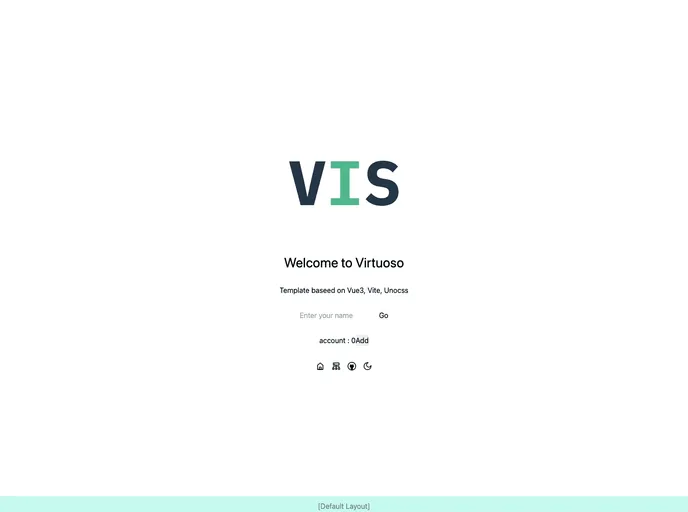
Overview
This product analysis is for a theme that is intended for use in web development projects. The theme comes with a variety of features and functionality that can be beneficial for developers.
Features
- Support TypeScript, TSX: The theme provides support for TypeScript and TSX, making it easier for developers to write and maintain code in a typed manner.
- Simple-git-hooks + lint-staged + eslint + stylelint: This feature includes a set of tools and configurations that help enforce code quality and best practices, such as linting and pre-commit hooks.
- File based routing and layouts: The theme offers file-based routing and layouts, allowing developers to easily organize and structure their project files.
- Functionally wrapped Axios: Axios, a popular HTTP client, is wrapped with functional utilities in the theme, providing a simplified and efficient way to make API requests.
- Unocss - the instant on-demand atomic CSS engine: This feature includes Unocss, which is an atomic CSS engine that generates only the required CSS based on the used classes, reducing the overall file size and improving performance.
- NaiveUI - A Vue 3 Component Library: The theme is integrated with NaiveUI, a component library specifically built for Vue 3. This makes it easy for developers to use pre-built UI components in their projects.
- PWA Support: The theme includes support for Progressive Web Apps (PWAs), allowing developers to create web applications that can be installed and used offline.
- State Management via Pinia: Pinia, a state management solution for Vue.js, is integrated into the theme, providing a convenient way to manage application state.
- Use icons from any icon sets with classes: This feature allows developers to use icons from any icon sets by simply adding classes to elements, making it easy to customize the visual appearance of the application.
- Dark mode adaptation: The theme includes a dark mode adaptation feature, allowing the application to automatically switch between light and dark themes based on user preferences or system settings.
- Components auto importing: The theme automatically imports components, allowing developers to use them directly without the need for manual importing.
- APIs auto importing - use Composition API and others directly: Similar to the components auto importing feature, this allows developers to use APIs, such as the Composition API, directly without the need for manual importing.
Installation
To install the theme, follow these steps:
Step 1: Clone the repository from GitHub using the following command:
git clone [repository-url]
Step 2: Change into the cloned directory:
Step 3: Install the dependencies using the package manager of your choice (e.g., npm or yarn):
or
Step 4: Start the development server:
or
Step 5: Open your web browser and access the development server at http://localhost:3000.
Summary
In summary, this theme provides a wide range of features and functionality that can greatly benefit web developers. It includes support for TypeScript, linting, file-based routing, a wrapped Axios library, Unocss for optimized CSS generation, a Vue 3 component library (NaiveUI), PWA support, state management with Pinia, easy icon usage, dark mode adaptation, and automatic importing of components and APIs. By following the provided installation guide, developers can quickly and easily set up the theme and start leveraging its features in their projects.