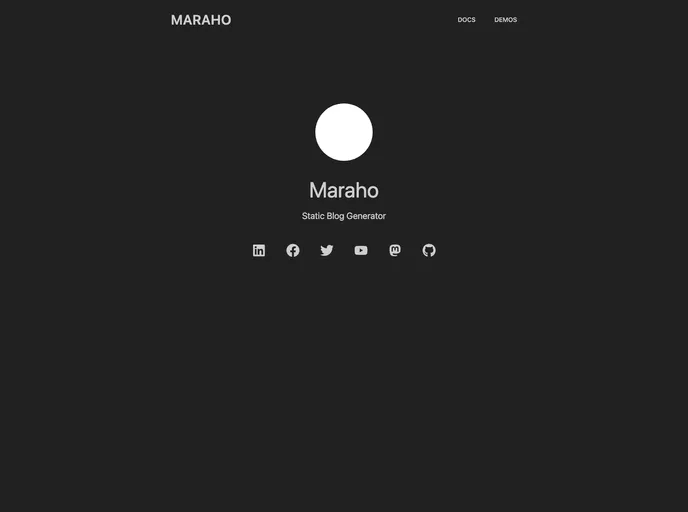
Maraho is an open source static site generator built with Next.js framework, tailwind, and daisyUI.
Maraho is an open-source static site generator designed specifically for blogs. It is built with the Next.js framework and uses both Tailwind CSS and DaisyUI for styling. Maraho simplifies the process of creating static websites by automating the generation of HTML, CSS, and JavaScript files.
To install Maraho, follow these steps:
Make sure you have Node.js installed on your system.
Create a new directory for your Maraho project.
Open your command line/terminal and navigate to the project directory.
Run the following command to install Maraho:
npm install maraho
Once the installation is complete, you can start using Maraho by running the command:
npm run dev
Open your web browser and visit http://localhost:3000 to access your Maraho site.
Maraho is a user-friendly and efficient static site generator that simplifies the process of creating blog sites. With its easy installation process and customizable features, users can quickly set up and customize their blogs to suit their needs. The use of Markdown support, SEO optimization, and responsive design further enhance the overall functionality and accessibility of Maraho. Whether you are a beginner or an experienced user, Maraho provides a versatile solution for building stunning and optimized static blog sites.

