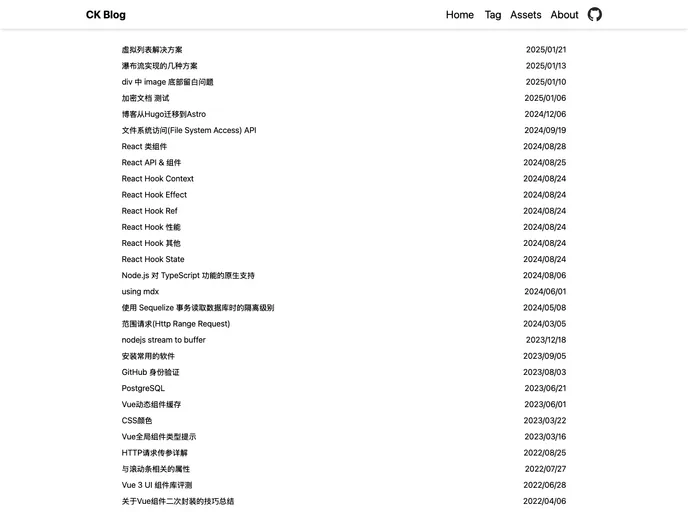
My Blog
CK’s Blog is a blog platform that offers a small and concise design, support for dark mode, and a responsive layout. It provides features such as tourist comment, blog content management, online editing, and is powered by Hugo theme: hugo-coder. Additionally, it includes a comment plugin called cusdis.
To install CK’s Blog theme, follow these steps:
Make sure you have Hugo installed on your system. You can download it from the official Hugo website.
Once Hugo is installed, navigate to your Hugo project directory.
Open the terminal or command prompt and run the following command to add CK’s Blog theme as a submodule:
git submodule add https://github.com/CK/hugo-coder.git themes/hugo-coder
In your Hugo project’s configuration file (typically named config.toml or config.yaml), add the following line to set the theme:
theme = "hugo-coder"
Customize the theme settings in the configuration file according to your preferences.
Run the Hugo server to preview your blog with the CK’s Blog theme:
hugo server -D
Access your blog by visiting http://localhost:1313 in your web browser.
CK’s Blog is a blog platform that offers a minimalist design, support for dark mode, and a responsive layout. It provides features such as tourist comment, blog content management, and online editing. Powered by Hugo and utilizing the hugo-coder theme, it ensures a fast and flexible blogging experience. With cusdis as its comment plugin, it encourages user engagement and feedback. Installing the CK’s Blog theme involves adding it as a submodule to your Hugo project and customizing the configuration file to suit your preferences.

