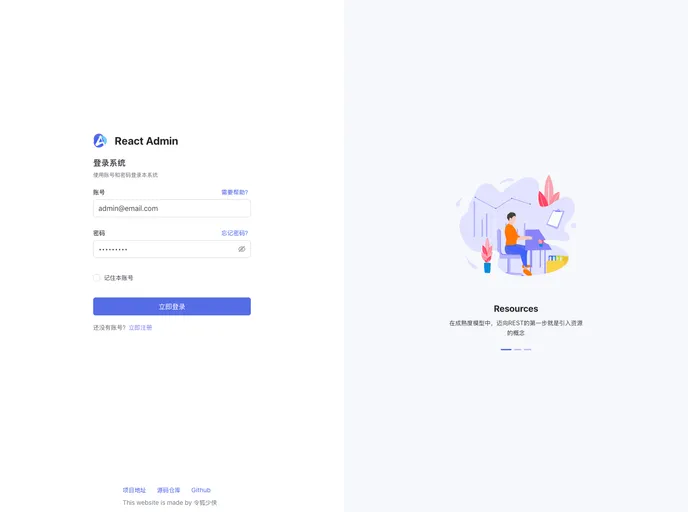
Overview:
Portal is a management system template designed to fulfill your ideal interface needs. This article provides a brief overview of the features, installation guide, and summary of the product.
Features:
- User-friendly interface: The template offers an intuitive and easy-to-use interface, making it suitable for users of all levels.
- Customizable design: Users have the freedom to customize the design elements according to their preferences and branding requirements.
- Responsive layout: The template is designed with a responsive layout, allowing it to adapt to different screen sizes and devices.
Installation:
To install the Portal management system template, follow these steps:
- Open your project in VS Code.
- In VS Code, navigate to the settings by clicking on the gear icon at the bottom left corner or by pressing
Ctrl + ,. - In the search bar of the settings, type “format on save” and select “Editor: Format On Save” from the search results.
- Click on the checkbox to enable the “Format On Save” feature.
- Save your settings.
Summary:
The Portal management system template offers a user-friendly interface, customizable design, and responsive layout. It provides an efficient solution for managing various systems effectively. Follow the installation guide to easily set up the template and start benefiting from its features.