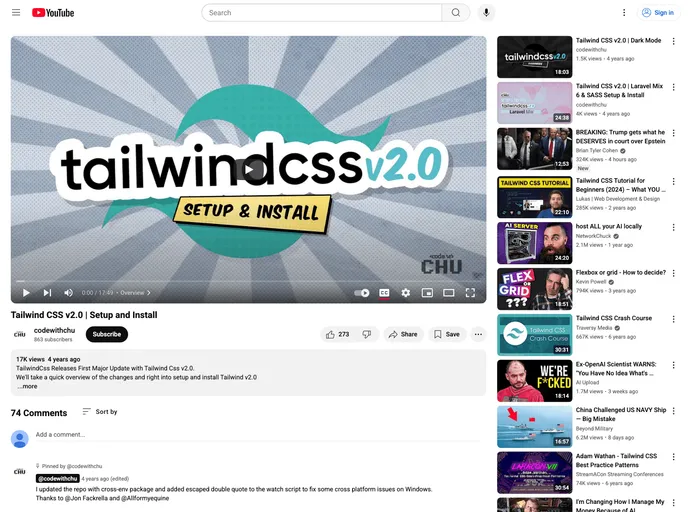
Source Code for Setup and Install Tailwindcss v2.0 on CodeWithChu YouTube Channel.
## Overview
Tailwind CSS V2 offers an efficient and utility-first approach to styling web applications. The setup and installation guide provided by CodeWithChu on their YouTube channel makes it easy for developers to get started with this popular CSS framework. Whether you're a beginner or a seasoned pro, the clear instructions and insights will help you leverage Tailwind's powerful features for rapid UI development.

## Features
- **Utility-First Design**: Tailwind CSS promotes a unique utility-first design philosophy, allowing developers to apply classes directly in HTML to create custom designs without leaving their markup.

- **Customizable**: With its configuration files, Tailwind allows you to customize your design system easily, enabling you to define custom colors, spacing, font families, and more.

- **Responsive Design**: Tailwind includes built-in responsive utilities, which help developers create adaptable layouts seamlessly across different device sizes without any additional media queries.

- **Dynamic Styling**: The framework supports dynamic styling with JIT (Just-In-Time) mode, which generates styles on-demand as you author your templates, optimizing performance considerably.

- **Community Support**: Tailwind CSS has a thriving community and extensive documentation, making it easier for newcomers to find help, tutorials, and resources to enhance their learning.

- **Integration Friendly**: Tailwind can be easily integrated with popular JavaScript frameworks like React, Vue, and Angular, enhancing the development experience while maintaining consistent styling.

- **Plugin Ecosystem**: Tailwind CSS supports a rich plugin system, allowing developers to extend its capabilities without compromising the framework’s simplicity and performance.

