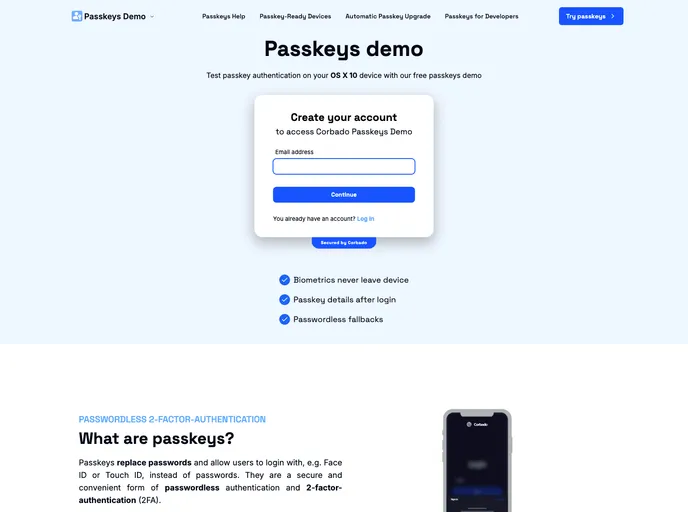
This is a sample repository of a Svelte app (using SvelteKit and TailwindCSS) that offers passkey authentication for demo purposes.
This article provides a sample implementation of the Corbado web component within a web page built with SvelteKit. The purpose is to demonstrate passkey authentication. The live demo can be accessed on passkeys.eu and passkeys.fr. The article also explains the file structure, prerequisites, and installation steps.
src/lib folder contains reusable files such as assets, components, and sections that are used throughout the application.routes folder contains the pages for the application, allowing for easy navigation.routes/api folder contains the server-side API routes for the application, enabling communication with the backend.To install and run the project, follow these steps:
pnpm install..env file in the root folder of the project.npm run dev. This will start the SvelteKit app on localhost:5173 by default.This article demonstrates the integration of the Corbado web component into a SvelteKit project for showcasing passkey authentication. It provides a step-by-step guide on installing and running the project, along with an explanation of the file structure and key features. By following the provided instructions, developers can easily implement passkey authentication in their SvelteKit projects.

