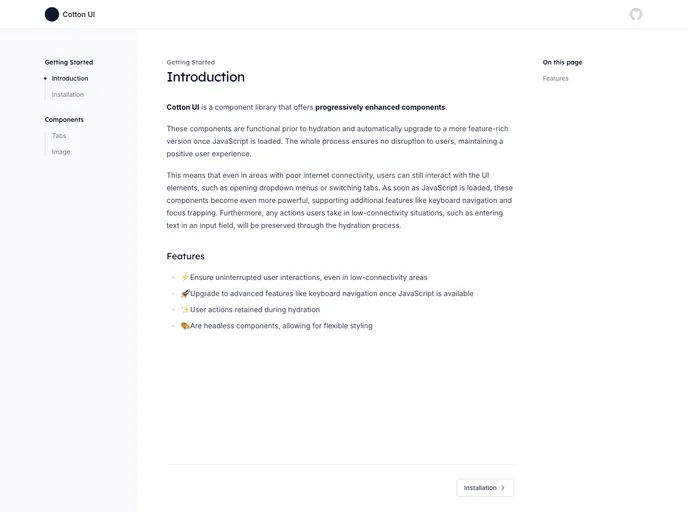
A component library that offers progressively enhanced components
Cotton UI is a component library that offers progressively enhanced components. These components are designed to function even before JavaScript loads in, ensuring a smooth user experience. Cotton UI provides two different versions of components: a styled version for fast development and a headless version for customization.
To install Cotton UI, you can follow these steps:
Download the Cotton UI package from the official website.
Extract the downloaded package to your project directory.
Import the desired components into your project using the following code snippet:
import { Button, Card, Input } from 'cotton-ui';
You can now use the Cotton UI components in your project.
Cotton UI is a component library that offers progressively enhanced components, ensuring a smooth user experience. It provides two versions of components, a styled version for fast development and a headless version for customization. To install Cotton UI, you can download the package from the official website and import the desired components into your project.

