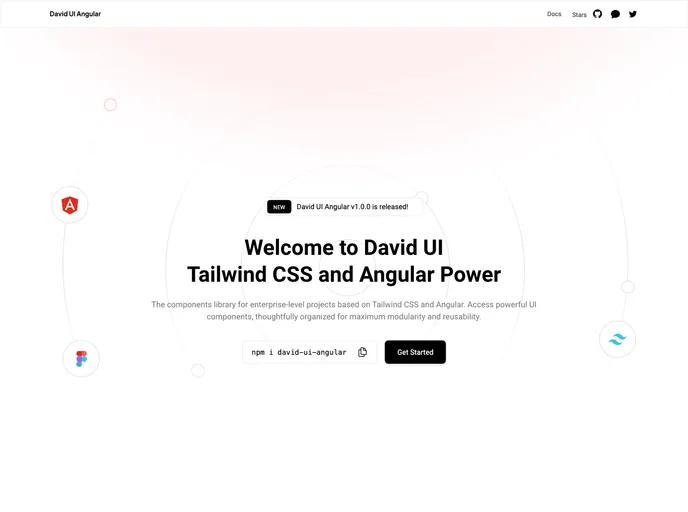
The components library for enterprise-level projects based on Tailwind CSS and Angular.
David UI Angular is a comprehensive Angular framework that utilizes Tailwind CSS to offer a wide range of UI components, making it simple to create visually appealing web applications. It is designed for fast and easy UI development.
To start using David UI Angular, follow these steps:
Install the framework via npm or yarn.
npm install david-ui-angular
Import David UI Angular’s styles along with Tailwind CSS and the @angular/cdk styles in your project’s styles.css or styles.scss file.
@import 'david-ui-angular/styles';
@import '@angular/cdk/overlay-prebuilt.css';
Import the david-ui-angular modules into your app.module.ts file.
// app.module.ts
import { DavidUiAngularModule } from 'david-ui-angular';

@NgModule({
  imports: [
    // other imports
    DavidUiAngularModule
  ],
  // ...
})
export class AppModule { }
Use the components in your HTML file.
<david-button>Submit</david-button>
Modify the content array in your tailwind.config.js file with the following line:
content: [
  // existing content
  'node_modules/david-ui-angular/**/*.html',
]
For detailed usage and documentation, please refer to the official documentation.
David UI Angular is a robust Angular framework that integrates Tailwind CSS to provide a rich set of UI components. Its easy installation process and comprehensive features make it a suitable choice for fast and easy UI development.

