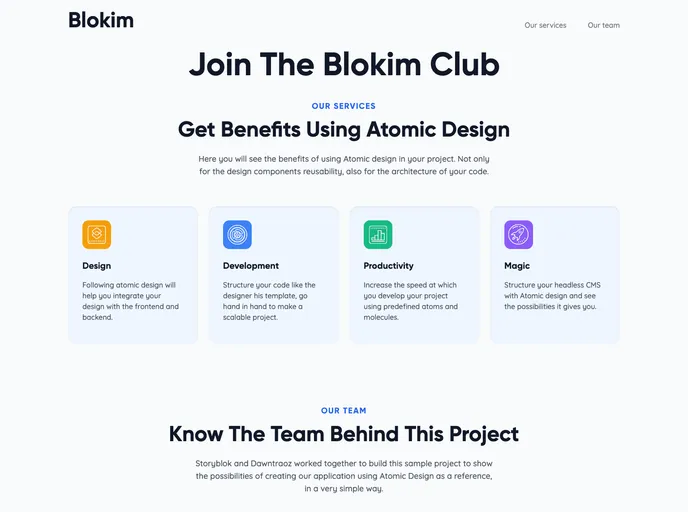
A boilerplate project designed to demonstrate the benefits of using Atomic Design while structuring your Storyblok dashboard <3
The Atomic Design Storyblok is a theme that leverages Nuxt.js to provide a seamless and visually appealing user experience. This theme follows the atomic design principles, allowing for easy customization and integration with the Storyblok content management system.
To install the Atomic Design Storyblok theme, follow these steps:
Make sure you have Nuxt.js installed on your machine. If not, install it by running the following command:
npm install -g nuxt
Clone the Atomic Design Storyblok repository from the GitHub repository:
git clone https://github.com/username/repo.git
Navigate to the project directory:
cd repo
Install the project dependencies:
npm install
Start the development server:
npm run dev
Open your browser and navigate to http://localhost:3000 to see the theme in action.
The Atomic Design Storyblok theme combines the power of Nuxt.js and the flexibility of the Storyblok CMS to provide a seamless and visually appealing user experience. With its modular and scalable development approach, the theme offers easy customization and integration with the Storyblok content management system. By following the installation guide, users can quickly set up and start using the theme for their projects.

