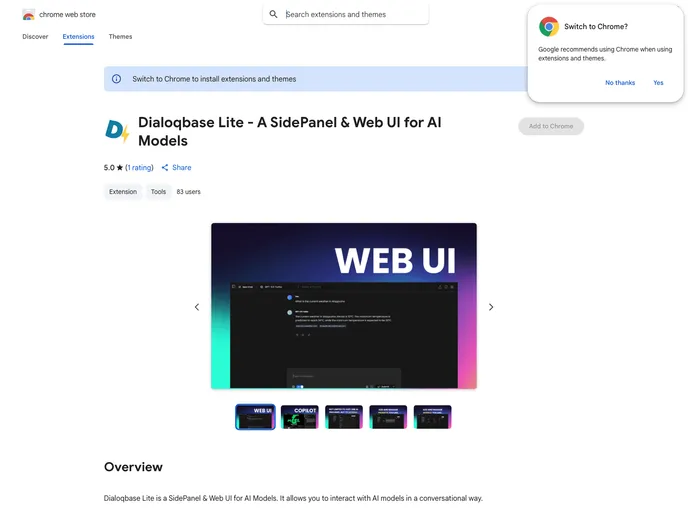
Dialoqbase Lite is a Chrome extension that offers a web-based UI and a side panel, Copilot, designed specifically for almost all AI providers
Overview
Dialoqbase Lite is an innovative extension that enhances your browsing experience by integrating a powerful sidebar and web UI, specifically tailored for interacting with Ollama. This tool stands out as a versatile option among AI provider solutions, given its ambition to support a wider range of AI models beyond just a single provider. With growing interest from users, Dialoqbase Lite offers an engaging way to utilize AI capabilities directly from your browser.
The user interface is designed for convenience and efficiency, allowing seamless interaction with the AI model while browsing. Whether you’re conducting research or simply looking for information, Dialoqbase Lite opens up exciting possibilities for engagement with web content.
Features
- Sidebar: Easily open a sidebar on any webpage to interact with your AI model and view results without disrupting your browsing flow.
- Web UI: A dedicated web UI provides a chat-like experience akin to ChatGPT, making interactions intuitive and user-friendly.
- Chat With Webpage: Engage directly with the content on the webpage; ask questions and get real-time responses related to what you see.
- Cross-Browser Support: Compatible with various Chromium-based browsers, including Chrome, Brave, and Edge, ensuring wide accessibility.
- Customizable Shortcuts: Default keyboard shortcuts (Ctrl+Shift+P for the sidebar and Ctrl+Shift+L for the web UI) can be customized to suit your preferences.
- Development Mode: Allows tech-savvy users to modify and test the extension in development mode for personalized enhancements.
- Contribution Friendly: Open to contributions and feature requests, fostering a community-driven approach to improvement and innovation.
- Lightweight Installation: Simple installation process via the Chrome Web Store or manual options, making it easy for anyone to get started.