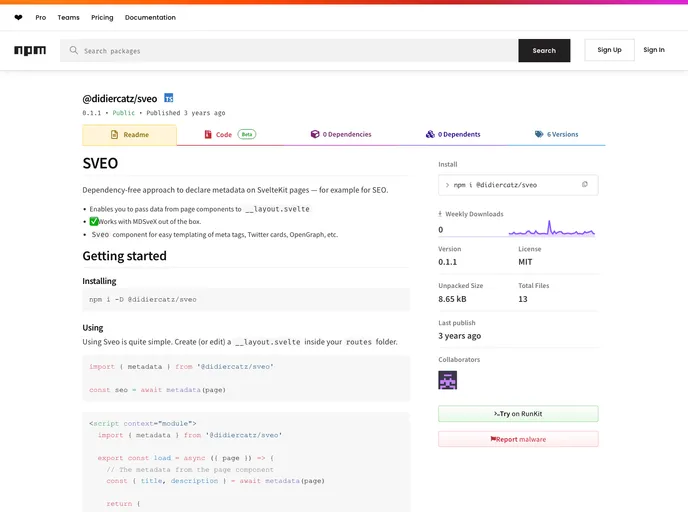
Declare metadata on SvelteKit pages, for example for SEO. Work in progress!
SVEO is a dependency-free approach to declare metadata on SvelteKit pages, specifically for SEO purposes. It allows you to pass data from page components to the layout component and works seamlessly with MDSveX. However, it should be noted that SVEO is not yet production-ready and may not build properly, so caution should be exercised when using it.
To install and use SVEO, follow these steps:
__layout.svelte file inside your routes folder.title property as desired.<script module="context">.Here is an example of how to install SVEO:
npm install sveo
SVEO is a helpful tool for declaring metadata on SvelteKit pages, particularly for SEO purposes. It offers a lightweight and dependency-free approach, allowing you to pass data from page components to the layout component. The integration with MDSveX further simplifies the metadata declaration process. However, it should be noted that SVEO is still in development and may not be suitable for production use yet.