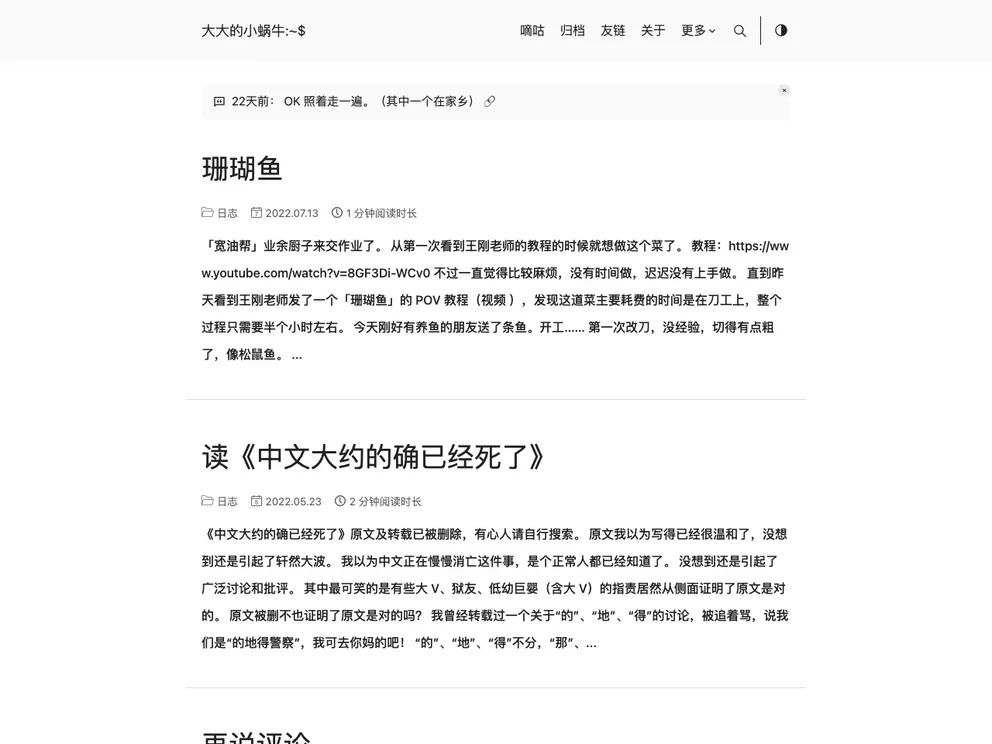
A Hugo blog about Charles Chin.
This article provides information about the installation and usage of the “DoIt” theme for the Hugo website builder. It covers various aspects such as the installation process, customization options, and managing content. The article also mentions the use of local resources, deployment options, and provides code snippets for different tasks related to the theme.
To install and use the DoIt theme, follow these steps:
git clone --recursive https://github.com/eallion/eallion.com.git
assets/css/_custom.scss and custom JavaScript in assets/js/custom.js.layouts/_default directory.data/authors directory and movie data from Douban in the data/douban directory.hugo new posts/daily/new_title.md
hugo server -wDp 1313 -t hello-friend --enableGitInfo --bind 0.0.0.0 --contentDir example --cleanDestinationDir --forceSyncStatic --ignoreCache --noHTTPCache --renderStaticToDisk --disableFastRender -e production
This article provides a comprehensive guide on using the DoIt theme with the Hugo website builder. It covers installation, customization, content management, local debugging, and building the website. The article also explains different methods for referencing local resources such as images and provides code snippets for various tasks related to the theme. Overall, it serves as a useful reference for anyone looking to use the DoIt theme for their Hugo website.