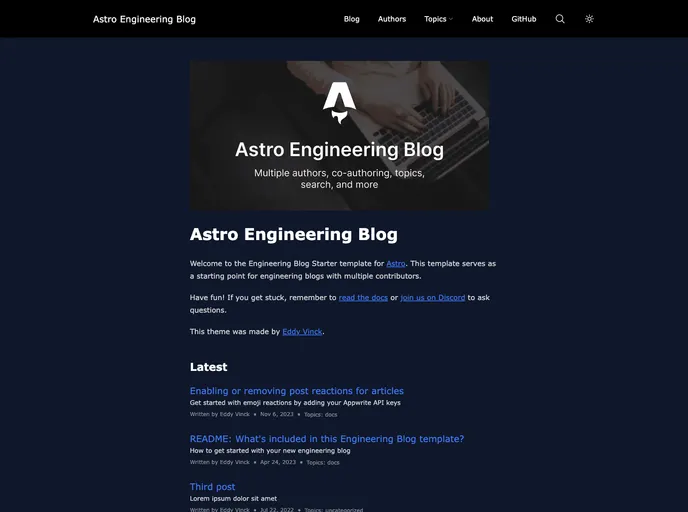
A template for creating engineering blogs with multiple authors, co-authoring, topics, search, and more
The Astro Engineering Blog template is a customizable template designed for creating engineering blogs. It is built using Astro as the framework and offers features such as multiple authors, co-authoring, topics, search functionality, and more. The template is SEO-friendly and provides optimized images using astro:assets. It also includes support for sitemaps and RSS feeds. The template’s project structure includes directories for pages, components, content, and public assets. The template is written in TypeScript and utilizes Solid.js, Tailwind CSS, and Fuse.js.
To install the Astro Engineering Blog template, follow these steps:
npm install to install the dependencies.npm run dev. The server will start at localhost:3000.src/consts.ts to match your brand or company.<head> tags in src/components/BaseHead.astro to add any additional lines or update the favicon.npm run build. The site will be generated in the ./dist/ directory.npm run preview.npm run astro ... or for help using the Astro CLI, use npm run astro --help.The Astro Engineering Blog template is a flexible and customizable solution for creating engineering blogs. It offers a wide range of features such as multiple authors, co-authoring, search functionality, and more. The template is easy to configure and provides high performance and SEO-friendly features. With its use of Astro as the framework, along with Solid.js, Tailwind CSS, and Fuse.js, the template offers a powerful and efficient development experience.

