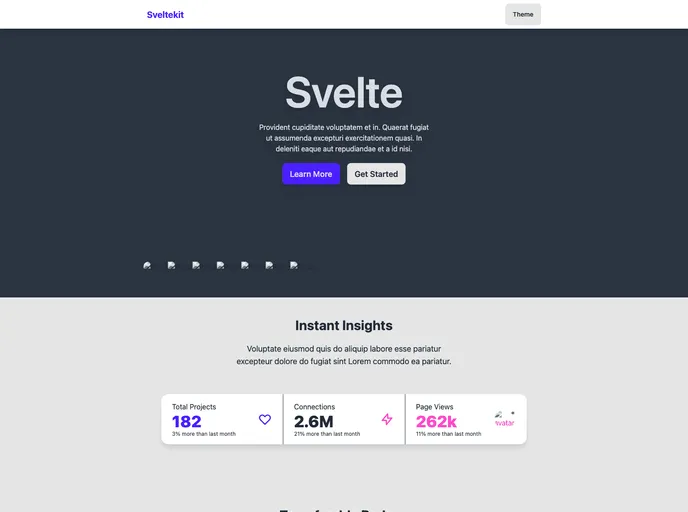
A landing page template with various persistent themes using SvelteKit, TailwindCSS, and DaisyUI.
Overview
The “create-svelte” is a tool that provides everything needed to build a Svelte project. It is powered by create-svelte and offers features for project creation, development, building, and deployment.
Features
- Project Creation: The tool simplifies the process of creating a Svelte project.
- Development Server: It includes a development server for easy testing and real-time updates during the development process.
- Production Build: The tool allows users to create a production-ready version of their Svelte app.
- Preview Deployment: Users can preview the production build of their app with the “npm run preview” command.
- Adapter Installation: It supports installing adapters for different target environments to facilitate app deployment.
Installation
To install the “create-svelte” tool, follow these instructions:
- Ensure that you have Node.js and npm installed on your machine.
- Open the command line interface and navigate to the desired directory for your Svelte project.
- Run the following command to install the tool globally:
npm install -g create-svelte - Once the installation is complete, you can start using the tool to create, develop, and build Svelte projects.
Summary
Overall, “create-svelte” provides a streamlined and efficient way to build Svelte projects. It offers features for project creation, development, building, and deployment, making it a comprehensive tool for Svelte developers. By simplifying the setup process and providing useful development and production build options, “create-svelte” enhances the development experience and supports the efficient delivery of Svelte applications.