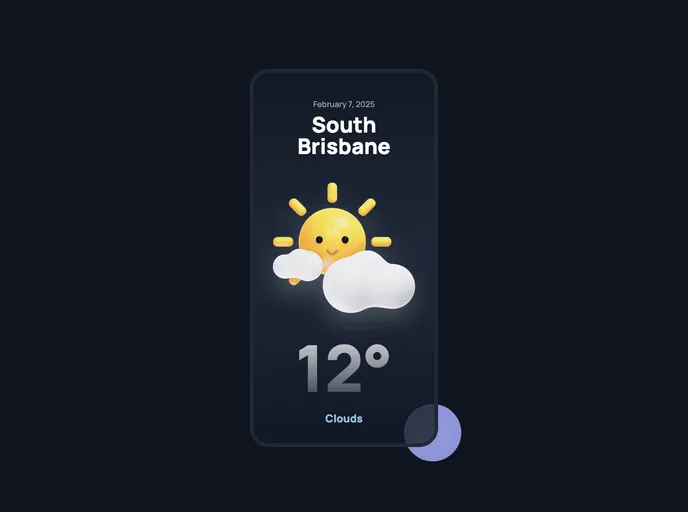
Overview
This product analysis is about a design created by Mikołaj Niżnik. It is built using Svelte, SvelteKit, Tailwind CSS, Playwright, Vitest, and hosted on Vercel. The guide provides steps to get started with the design, including cloning the repository and installing the necessary dependencies. It also mentions the use of environment variables and how to contribute to the project.
Features
- Design: The design of the product is created by Mikołaj Niżnik in Figma.
- Technologies: The product is built using Svelte, SvelteKit, Tailwind CSS, Playwright, Vitest, and hosted on Vercel.
- Get Started: The guide provides instructions for setting up the project, including cloning the repository and installing dependencies.
- Environment Variables: The guide explains how to create an .env file and provides guidance on the required values, which can be obtained using RapidApi.
- Contributing: The project welcomes contributions, issues, and feature requests. There is an issues page where users can check for existing issues.
- Show your support: Users are encouraged to give a ⭐️ if they liked the project.
Installation
To install and set up the design, follow these steps:
- Make sure you have Git and Node.js v16 or higher installed on your system.
- Clone the repository using the following command:
git clone [repository_url]
- Install the project dependencies by running the following command:
- If you are using Visual Studio Code, install the official Svelte extension for VS Code.
- Create an .env file in the root of the project and provide the required values. These values can be obtained using RapidApi.
- Start the project by running the following command:
Summary
This product analysis discusses a design created by Mikołaj Niżnik and provides information about its key features and technologies used. It also includes instructions on how to install and set up the design, including the use of environment variables. The analysis concludes by mentioning that contributions, issues, and feature requests are welcome and encourages users to show their support by giving a ⭐️ if they liked the project.