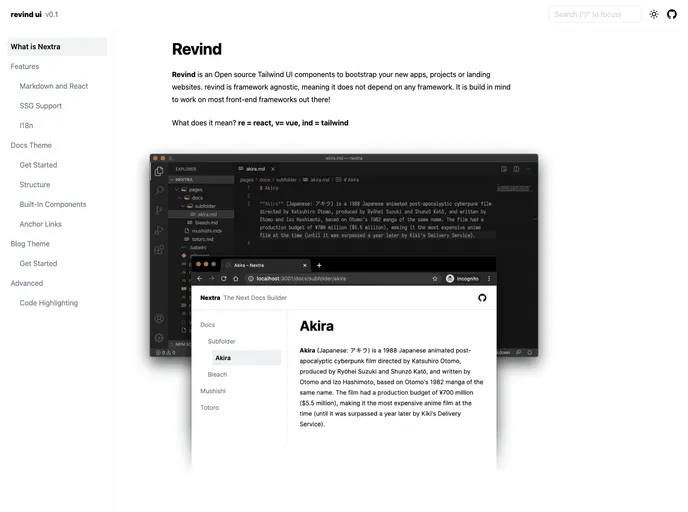
Open source Tailwind UI components to bootstrap your new apps, projects or landing websites!
Overview
Revind is an innovative frontend UI component framework designed to seamlessly integrate with popular frontend frameworks like React and Vue. Built on Tailwind CSS, it offers developers an extensive range of styling capabilities while ensuring ease of use. The framework empowers users to create distinctive styles effortlessly through its global StyleObjects, allowing for significant customization according to component states. It has quickly become a noteworthy solution for developers seeking both modular design and extensive functionality.
Additionally, Revind is geared towards fostering a collaborative environment, inviting contributions from developers across various frameworks. The project’s structure is well-organized, ensuring users can easily navigate through its components and styles.
Features
- Framework Support: Compatible with major frontend frameworks including React and Vue, making it versatile for different development needs.
- Tailwind CSS Integration: Built on Tailwind CSS for efficient and flexible styling options, allowing for rapid design implementation.
- Global StyleObjects: Enables the creation of unique styles easily, providing full control over component appearances in various states.
- Project Organization: Clear structure with separate packages for different frameworks and styles, which helps in managing dependencies effectively.
- Modular Design: Out of the box modularity allows developers to use components independently, promoting reusability across projects.
- Community Contribution: Actively encouraging contributions from developers, enhancing the project’s evolution and support for various frameworks.
- Comprehensive Documentation: Accessible documentation for guidance on installation and usage, ensuring a smoother onboarding process for new users.
- Easy Installation: Simple setup procedure that requires minimal configurations, making it convenient for developers to get started right away.