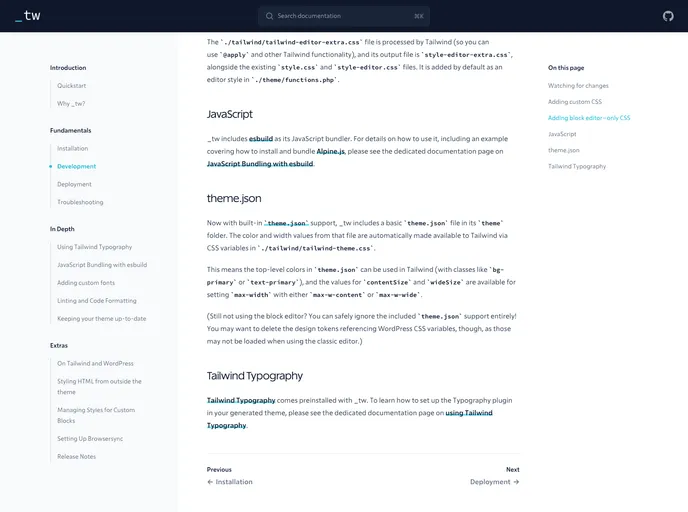
A Tailwind CSS plugin that automatically pulls colors and widths from a WordPress theme’s theme.json file
The Tailwind CSS plugin designed for integrating with WordPress themes is a game changer for developers working in JavaScript. It allows for seamless extraction of color palettes and spacing settings directly from the theme.json file, simplifying the customization process significantly. This integration not only enhances the flexibility of styling but also ensures that your designs remain consistent with the theme’s native colors, making it an efficient tool for developers familiar with Tailwind CSS.
This plugin streamlines the setup by automatically loading the theme.json file from a default path, yet it also allows for custom configurations for those who need more control. By automating the extraction of key design variables, users can focus more on crafting their user interfaces with less hassle regarding color management and layout sizes.
Automatic Theme Integration: The plugin automatically pulls colors and widths from the theme.json file, making it easy to keep your styles consistent with your WordPress theme.
Customizable Paths: While it defaults to loading from ./theme/theme.json, you have the flexibility to specify a different path for your theme.json file.
JSON Parsing: Users can opt to parse the theme.json file manually and pass in the corresponding JavaScript object, giving more control over customization.
Dynamic Color Adjustment: If any color palette slugs match Tailwind’s default palette, the plugin intelligently overrides those colors with the values from your theme.json.
Comprehensive Color Palette Extraction: The plugin extracts the base color palette as well as content and wide size values, streamlining layout management.
Caching Management: There’s a caching management feature that allows for performance optimization when using require to parse the JSON file, ensuring efficient loading times.
This plugin is a perfect solution for developers looking to leverage the power of Tailwind CSS while maintaining the integrity of their WordPress themes.

