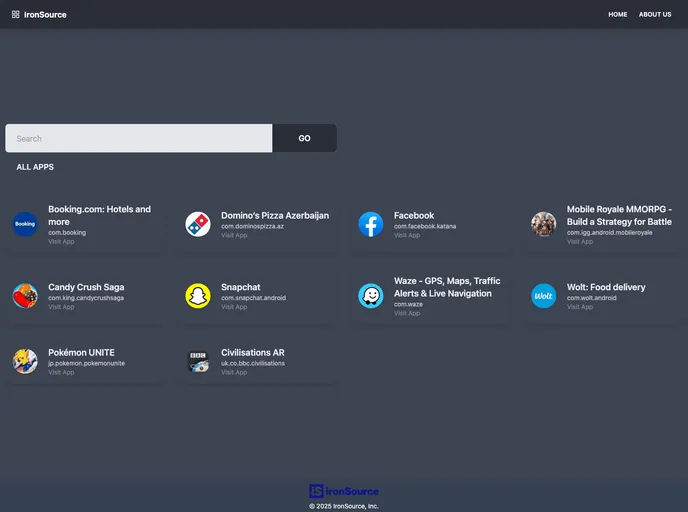
React + Tailwindcss with daisyui
The Create React App is a tool for quickly setting up a React project. It allows developers to start building React applications without having to worry about configuring the build tools and dependencies. The tool provides scripts for running the app in development mode, running tests, building the app for production, and deploying it. It also allows for customization through configuration files.
To get started with the Create React App, follow these steps:
npm install -g create-react-app
npx create-react-app my-app
Replace “my-app” with the desired name for your app.
cd my-app
npm start
This will start the app and open it in your default browser at http://localhost:3000.
You can use the other available scripts like npm test and npm run build for running tests and building the app for production, respectively.
If you need to customize the configuration or have full control over the build tools, you can eject from the Create React App setup by running the following command:
npm run eject
Please note that this is a one-way operation and cannot be undone.
The Create React App provides an easy way to set up a React project without the need for extensive configuration. With pre-configured build tools and scripts for common tasks, it allows developers to quickly start building React applications. The tool also offers customization options for those who need more control over the project setup.

