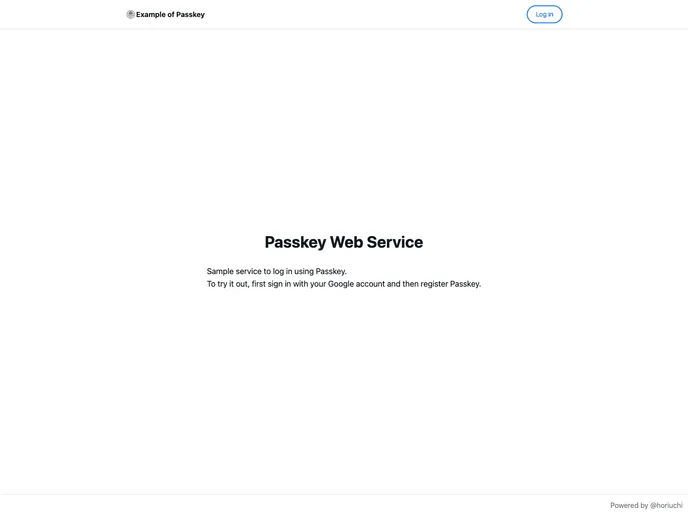
Example of running passkey on cloudflare
Passkey authentication is becoming an essential method for secure logins in the digital realm, and integrating it with Cloudflare Pages can enhance both security and user experience. This streamlined process not only allows users to log in easily through their GitHub accounts but also lays the groundwork for a robust application architecture using modern web technologies.
By following a few straightforward steps, users can set up their Cloudflare Pages and enjoy the benefits of passkey authentication, making their web applications more secure. Let’s explore some of the standout features that make this setup appealing.
Easy Account Creation: Users can quickly create an account by logging in with their GitHub credentials, simplifying the onboarding process.
Passkey Integration: Once registered, users have the capability to log in securely using passkeys, enhancing security and convenience.
Cloudflare KV Namespace: The setup includes a Cloudflare KV namespace for session storage, ensuring that session management is both efficient and reliable.
Cloudflare D1 Database: Utilizing a Cloudflare D1 database allows for structured data handling, making it easier to manage user sessions and other data needs.
Seamless Development Workflow: The process includes initializing migration files and starting a development server, ensuring a smooth transition from development to production.
Deployment to Cloudflare Pages: With one-click deployment options, users can easily deploy their applications to Cloudflare Pages, minimizing downtime and improving accessibility.
Support for TypeScript and Remix: The integration supports modern technologies like TypeScript and the Remix framework, which appeals to developers looking to build dynamic web applications.

