Simple light/dark mode management for Svelte apps. ←→
Overview:
Mode Watcher is a utility tool designed to manage light and dark mode preferences in SvelteKit apps. It provides a simple way to detect user preferences and automatically apply the appropriate CSS styles to achieve the desired mode. It also allows for customization by allowing users to set a default mode or disable automatic detection.
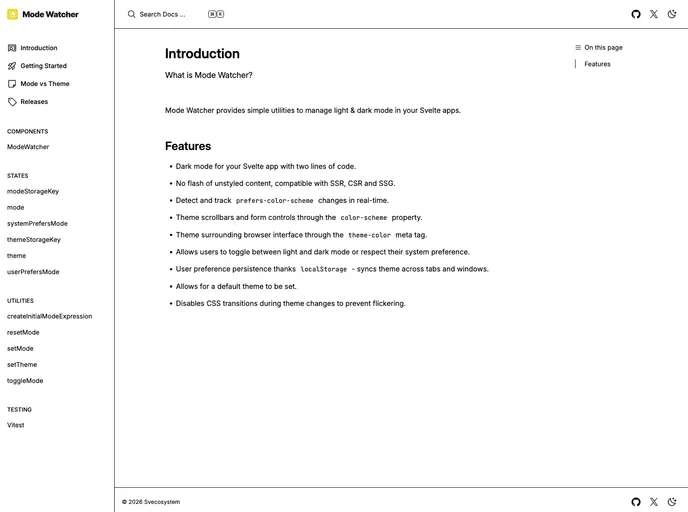
Features:
- Automatic Mode Detection: The Mode Watcher component automatically detects the user’s mode preference and applies the corresponding CSS styles to achieve light or dark mode.
- Operating System Preference Tracking: Mode Watcher can track the operating system’s mode preference and apply it if no user preference is set.
- Custom Default Mode: Users can set a default mode for their app instead of relying on automatic detection.
- Toggle Mode Function: Mode Watcher provides a function to toggle between light and dark mode.
- Set Mode Function: Users can set the current mode with the ability to choose between light, dark, or system preferences.
- Reset Mode Function: Mode Watcher allows for resetting the mode to system preferences.
- Mode Store: Mode Watcher provides a readable store that contains the current mode, which can be either light or dark.
- User Preference Store: Mode Watcher includes a writable store to represent the user’s mode preferences, which can be light, dark, or the system default.
- Operating System Preference Store: Mode Watcher provides a readable store to represent the operating system’s mode preference, which can be light, dark, or undefined if evaluated on the server.
Installation:
To install Mode Watcher in your SvelteKit app, follow these steps:
- Add the ModeWatcher component to your root
+layout.svelte file. - The ModeWatcher component will automatically detect the user’s preferences and apply/remove the “dark” class, along with the corresponding color-scheme style attribute to the HTML element.
- If you wish to disable the automatic tracking of operating system preferences, set the
track prop to false. - To set a default mode instead of automatically detecting the user’s preference, use the
defaultMode prop.
Here is an example code snippet:
<!-- +layout.svelte -->
<script>
    import { ModeWatcher } from 'mode-watcher';

    // Set a default mode
    let defaultMode = 'light';
</script>

<ModeWatcher {defaultMode} track={true} />

<!-- Rest of the layout code -->
Summary:
Mode Watcher is a useful utility for managing light and dark mode preferences in SvelteKit apps. With its automatic mode detection, customizable options, and convenient functions, it simplifies the process of implementing and managing different modes in your app. The provided stores and functions allow for easy customization and integration with your app’s requirements.