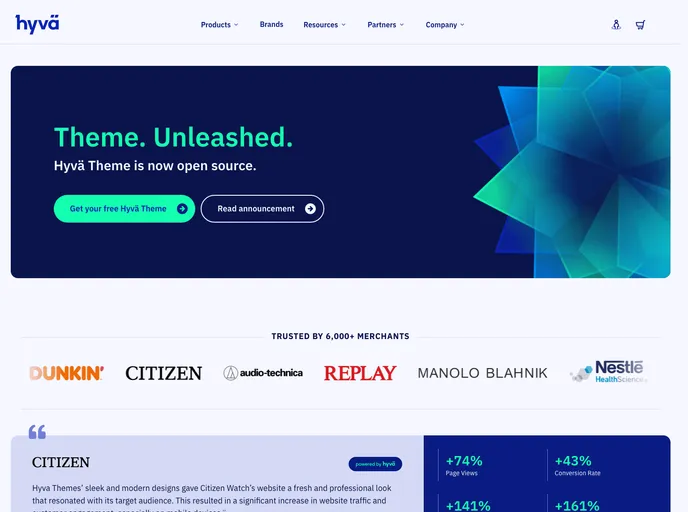
Hyvä-themes TailwindCSS utility functions
Hyvä Themes has introduced an impressive utility package designed specifically for Tailwind CSS enthusiasts called Hyvä Utilities. This NPM package enhances the functionality of Hyvä by allowing seamless integration of Tailwind CSS versions 2, 3, and even prepares for the upcoming version 4. Whether you’re a developer looking to streamline your CSS workflow or someone keen to leverage the modern features of Tailwind, this package appears to offer a robust solution.
Carefully crafted to simplify tailwind configurations and support, Hyvä Utilities gives users helpful commands and utility functions. It ensures that projects remain future-proof with a focus on adaptability and ease of use, making it a worthy consideration for anyone looking to modernize their CSS toolkit.
Easy Installation: Quickly integrate Hyvä Utilities via npm or similar package managers; it’s included by default in Hyvä 1.1.14 and newer versions.
Merge Tailwind Configurations: Utilize the mergeTailwindConfig function to seamlessly merge Tailwind configurations from Hyvä-compatible modules into your themes for optimal compatibility.
CSS Import Helper: The postcssImportHyvaModules function allows for smoother CSS merging, ensuring it’s positioned correctly in your plugin setup for success.
Dynamic CSS Variables: With twVar and twProps, effortlessly introduce CSS variables into Tailwind configurations, enhancing styling flexibility and future compatibility.
Independent Node Commands: The package provides Node commands to create CSS tailored for Tailwind, ensuring independence from bundlers or compilers for greater versatility.
Future-proofing Features: Designed with Tailwind v4 in mind, this package takes advantage of the latest advancements, ensuring your project is ready for upcoming functionality changes.
Custom Configuration: The hyva-init command establishes a hyva.config.json, facilitating personalized configurations that align with individual project needs.

