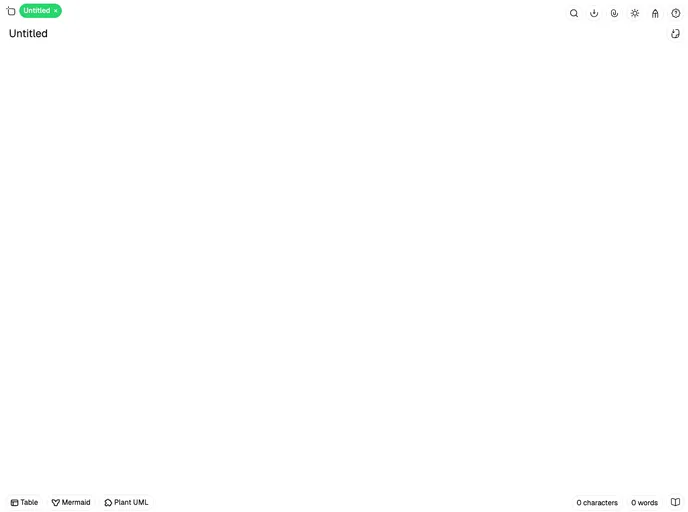
A cross platform notepad for effortless note-taking — featuring rich text editing, multiple tabs, cloud sync, and built-in support for Mermaid/PlantUML diagrams, tables, code blocks, and more.
Fylepad is a beautifully designed notepad application that expertly combines ease of use with powerful features, making it an ideal choice for anyone looking to streamline their note-taking process. Whether you’re jotting down quick ideas, managing a to-do list, or creating in-depth notes, Fylepad offers a user-friendly interface without the clutter that many other apps introduce. With its Markdown-based editing capabilities, this app is set to become your go-to tool for all writing tasks.
In addition to its robust editing features, Fylepad is designed for offline use, ensuring that your productivity isn’t interrupted whether you’re online or not. If you’re tired of overly complicated apps, Fylepad is a refreshing alternative that strikes the perfect balance between simplicity and functionality.
Markdown-Based Rich Editing: Enjoy seamless note creation and editing with full Markdown support, allowing for everything from simple lists to complex formatting options.
Auto-Save State: Don’t stress about losing your work; Fylepad automatically saves your progress, so you can close the app and return without fear of data loss.
Export and Import: Easily export your notes to PDF or Markdown formats, and import existing .md files to keep everything in one place.
Multi-Tab Support: Work on multiple notes at the same time with a convenient tab-based interface, making it easy to switch between different projects.
Rich Content Creation: Create tables, diagrams (Mermaid, PlantUML), and code blocks to enhance your notes and make them more visually appealing.
Rust Core: Experience a fast, secure, and efficient application, thanks to its Rust-based architecture—no bulky frameworks required.
Lightweight: At under 10MB, Fylepad is a compact application that won’t slow down your system while offering a comprehensive feature set.
Customizable Themes: Switch between light and dark modes to suit your working environment or personal preference, ensuring a comfortable writing experience.

