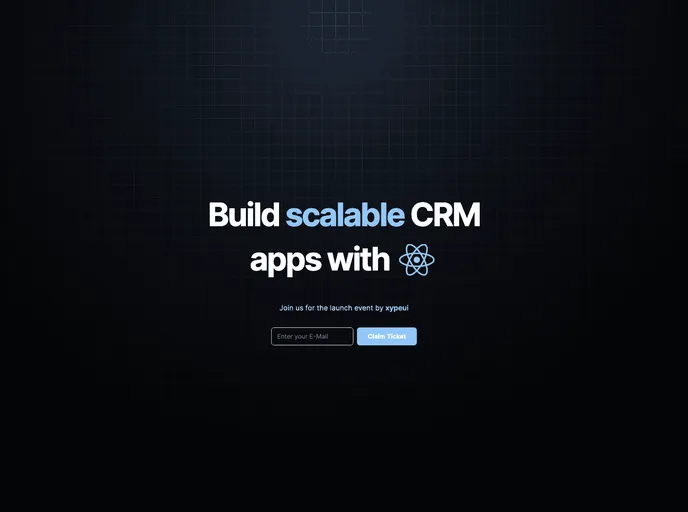
Launch Landing Page screenshot

Launch Landing Page

Author Avatar Theme by 1w6ts
Updated: 27 Sep 2023
17 Stars

Beautifully styled "launch" themed landing page built with Next.js 13, TailwindCSS and shadcn-ui

Categories

Overview

The project is a beautifully styled user interface (UI) that is lightweight and animated. It utilizes technologies like NextJS, TailwindCSS, and shadcn-ui. The project is licensed under the Creative Commons Regulation.

Features

  • Beautifully styled UI: The project boasts an aesthetically pleasing UI design that is visually appealing.
  • Lightweight: The project is optimized to be lightweight, ensuring fast loading times and a smooth user experience.
  • Animated: The UI features animations that enhance the visual appeal and interactivity of the project.

Installation

To install the project, follow these steps:

  1. Ensure you have NextJS and TailwindCSS installed in your development environment.
  2. Clone the project repository from its source.
  3. Navigate to the project directory.
  4. Install the project’s dependencies by running the following command:
    npm install
    
  5. Start the development server by running the following command:
    npm run dev
    
  6. The project should now be running on http://localhost:3000.

Summary

The project is a visually appealing and lightweight UI that features animations. It is built using NextJS, TailwindCSS, and shadcn-ui. The installation process involves cloning the repository, installing the dependencies, and starting the development server. The project is licensed under the Creative Commons Regulation.