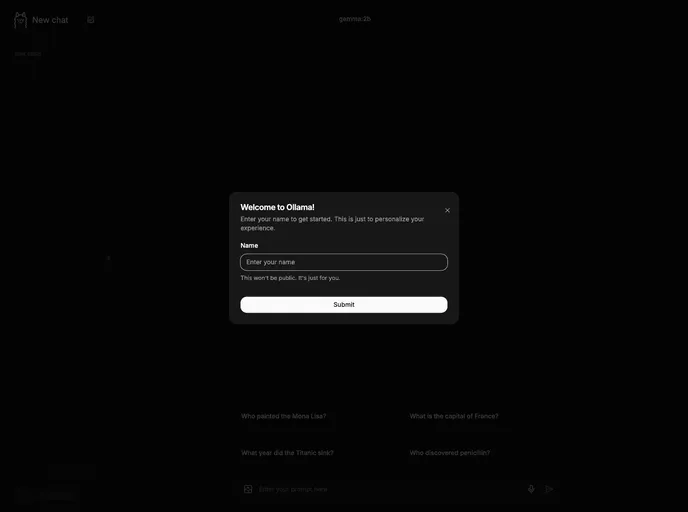
Nextjs Ollama Llm UI screenshot

Nextjs Ollama Llm UI

Author Avatar Theme by Jakobhoeg
Updated: 5 Jun 2025
1393 Stars

Fully-featured web interface for Ollama LLMs

Categories

Overview:

The Large Language Models project is designed to help users quickly and easily get started with Large Language Models, locally and even offline. It offers a beautifully designed and intuitive user interface inspired by ChatGPT, with features like local storage for chat history, code syntax highlighting, easy model switching, light and dark mode, and more.

Features:

  • Beautiful & Intuitive UI: User-friendly interface inspired by ChatGPT.
  • Fully Local: Stores chats in local storage for convenience, no need for a database.
  • Fully Responsive: Supports chatting on both desktop and mobile devices.
  • Easy Setup: No tedious setup required, simply clone the repo to get started.
  • Code Syntax Highlighting: Highlighted code for easy access in messages.
  • Copy Codeblocks Easily: One-click copy for highlighted code.
  • Download/Pull & Delete Models: Manage models directly from the interface.
  • Switch Between Models: Easy switching between different models.
  • Chat History: Saves and allows easy access to chat history.
  • Light & Dark Mode: Customize the interface with light or dark mode.

Installation:

To install, follow these steps:

Packaginig status

Use a pre-built package from a supported package manager or install from source with the following instructions:

  1. Clone the repository to your local directory.
  2. Open the folder and rename the .example.env to .env.
  3. Configure variables in the .env file to fit your setup.
  4. Install dependencies.
  5. Start the development server.
  6. Access localhost:3000 to begin chatting with your preferred model.

Summary:

The Large Language Models project provides an easy and convenient way to work with LLMs, offering a user-friendly interface, efficient local storage, and responsive design. With features like code syntax highlighting, model management, and customizable themes, users can quickly get started with LLMs without the hassle of complex setup requirements. With upcoming features like voice input support and code syntax highlighting, this project continues to evolve to meet the needs of users working with Large Language Models.
