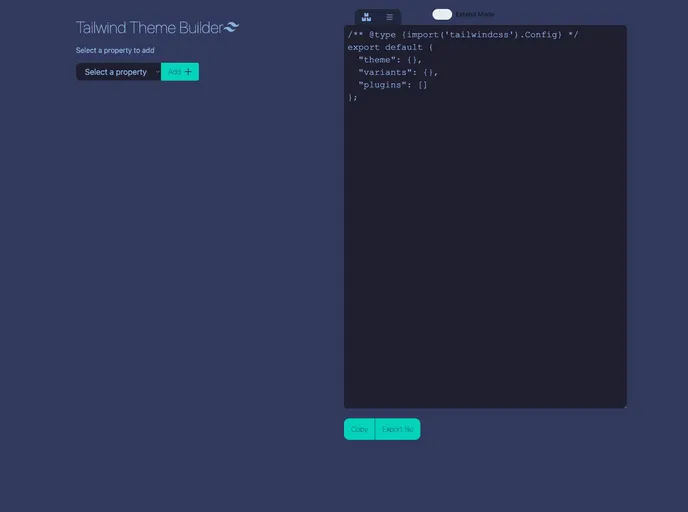
A webapplication for creating tailwind css themes with an interface
The Tailwind Theme Builder is an upcoming tool designed to enhance the customization capabilities of Tailwind CSS. With the ability to preview theme changes in real-time, support for the complete set of Tailwind CSS properties and values, and the automatic generation of themes, this tool aims to simplify the process of creating highly customized themes. Additionally, the Tailwind Theme Builder offers additional settings for configuration, providing users with more granular control over their themes.
To install the Tailwind Theme Builder, follow these steps:
git clone https://github.com/username/repo.gitcd reponpm installnpm run devhttp://localhost:3000 to access the Tailwind Theme Builder.The Tailwind Theme Builder is an upcoming tool that aims to enhance the customization capabilities of Tailwind CSS. With its real-time preview mode, support for the complete set of Tailwind CSS properties, automatic generation of themes, and additional settings for configuration, this tool provides users with an efficient and hassle-free way to create highly customized themes. Stay tuned for the official release of the Tailwind Theme Builder.

