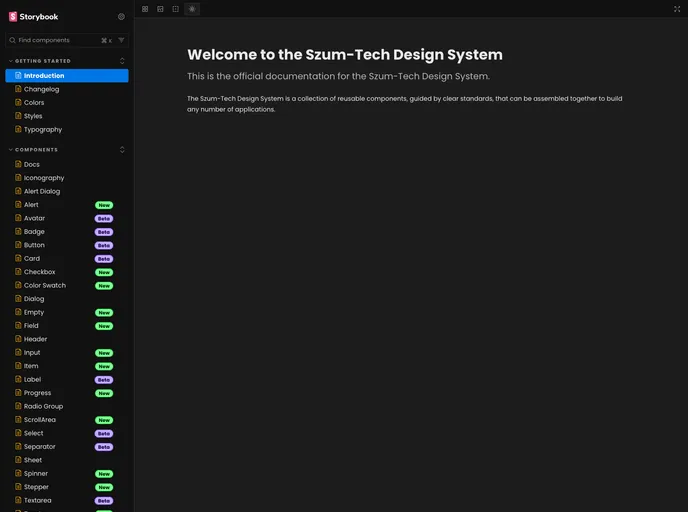
Design system supported by tailwindcss library, it allows the creation of applications supporting light and dark themes, shares UI React Components and a color palette in compliance with the Szum-Tech standards.
The Szum-Tech Design System is a design system supported by the Tailwindcss library. It allows the creation of applications that support light and dark themes. The design system includes UI React Components and a color palette that complies with Szum-Tech standards.
To install the Szum-Tech Design System, follow these steps:
Install the design system package using npm or yarn:
npm install @szum-tech/design-system
or
yarn add @szum-tech/design-system
During Tailwind initialization, modify the tailwind.config.js file:
@szum-tech/design-system UI Components files.Import the theme styles to a CSS file with Tailwind directives:
@szum-tech/design-system/theme which includes the colors palette for the dark and light themes and default styles.The Szum-Tech Design System is a design system supported by the Tailwindcss library. It allows the creation of applications with light and dark themes and provides UI React Components and a compliant color palette. To install the design system, use npm or yarn and configure Tailwind accordingly.

