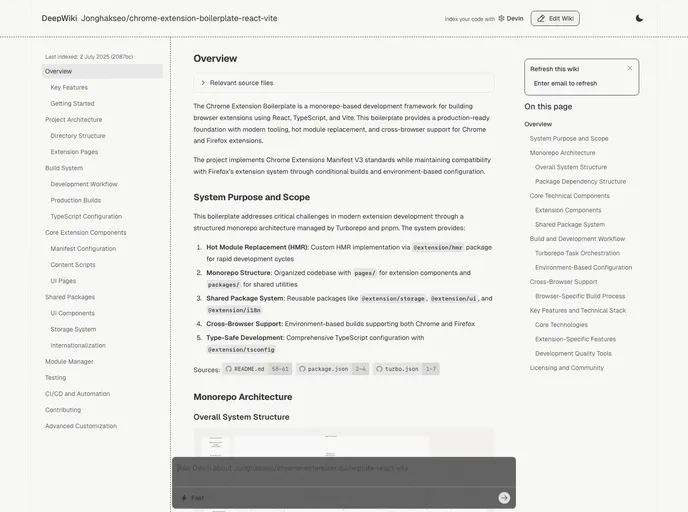
Chrome Extension Boilerplate React Vite screenshot

Chrome Extension Boilerplate React Vite

Author Avatar Theme by Jonghakseo
Updated: 10 Sep 2025
4786 Stars

Chrome Extension Boilerplate with React + Vite + Typescript

Categories

Overview:

This project is a boilerplate for creating chrome extensions using React and Typescript. The focus of this project was to improve build speed and development experience with Vite.

Features:

  • React 18
  • TypeScript
  • Vite
  • React Testing Library
  • SASS
  • Prettier
  • ESLint
  • Husky
  • Commitlint
  • Conventional Commits
  • Chrome Extension Manifest Version 3
  • HRR (Hot Rebuild & Refresh/Reload)

Installation:

To install this boilerplate, follow the steps below:

  1. Clone this repository.
  2. Change the name and description in package.json to auto synchronize with the manifest.
  3. Install pnpm globally: npm install -g pnpm (make sure your node version is >= 16.6, recommended >= 18)
  4. Run pnpm install.
  5. Depending on your needs:
    • For Chrome:
      • Run pnpm dev or npm run dev for development.
      • Run pnpm build or npm run build for production.
      • Open Chrome and go to chrome://extensions.
      • Enable Developer mode.
      • Click on “Load unpacked extension”.
      • Select the dist folder.
    • For Firefox:
      • Run pnpm dev:firefox or npm run dev:firefox for development.
      • Run pnpm build:firefox or npm run build:firefox for production.
      • Open Firefox and go to about:debugging#/runtime/this-firefox.
      • Click on “Load Temporary Add-on…”.
      • Select the manifest.json file from the dist folder.
      • Note that in Firefox, the plugin will be in temporary mode and will disappear after closing the browser. You will need to add it again on the next launch.

Summary:

This project is a boilerplate for creating chrome extensions using React and Typescript. It focuses on improving build speed and development experience with Vite. It includes several features such as React 18, TypeScript, Vite, and more. The installation process involves cloning the repository, installing dependencies, and configuring the extension for either Chrome or Firefox.
