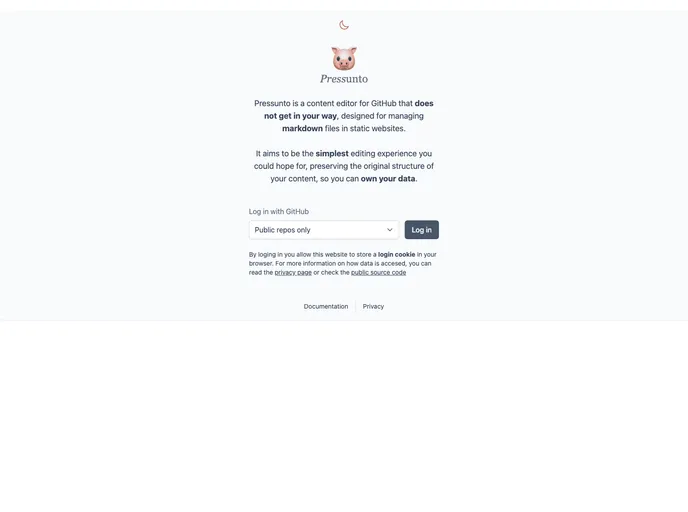
Pressunto is a content editor for GitHub that does not get in your way designed for managing markdown files in static websites. It aims the simplest editing experience you could hope for while preserving your original content structure.
Overview
Pressunto is a content editor designed specifically for managing markdown files in static websites on GitHub. It aims to provide a simple editing experience while preserving the original content structure.
Features
- Fly Deploy: Pressunto allows users to easily deploy their edited content to their static websites on GitHub.
- PRs welcome: Pressunto welcomes Pull Requests from users, encouraging collaboration and community involvement.
- Pressunto: The name “Pressunto” is a wordplay between “Press” from “Wordpress” and “presunto”, a word in Spanish and Portuguese. This playful name reflects the developer’s Spanish background and their love for Portuguese words.
Installation
To run Pressunto on your local device, follow these steps:
Option 1: Using Dockerfile (recommended for production):
- Clone the Pressunto project to your local machine.
- Build the Docker image using the provided Dockerfile.
- Run the Docker container.
Option 2: Using npm (recommended for development):
- Clone the Pressunto project to your local machine.
- Install the required node_modules by running
npm install. - Configure the necessary environment variables by creating a .env file (sample .env.example provided).
- Start the development server by running
npm start.
- The project requires the following environment variables to be configured:
- SESSION_SECRET: A random long string used internally for cookie session.
- GITHUB_CLIENT_ID: Client ID of your GitHub App.
- GITHUB_CLIENT_SECRET: Client Secret of your GitHub App.
- REDIS_URL: A working Redis URL used for caching and saving drafts.
Summary
Pressunto is a content editor developed specifically for managing markdown files in static websites on GitHub. Its focus is to provide a simple editing experience while maintaining the original content structure. The tool offers features like easy deployment, collaboration through Pull Requests, and a playful name that reflects the developer’s background and sense of humor.