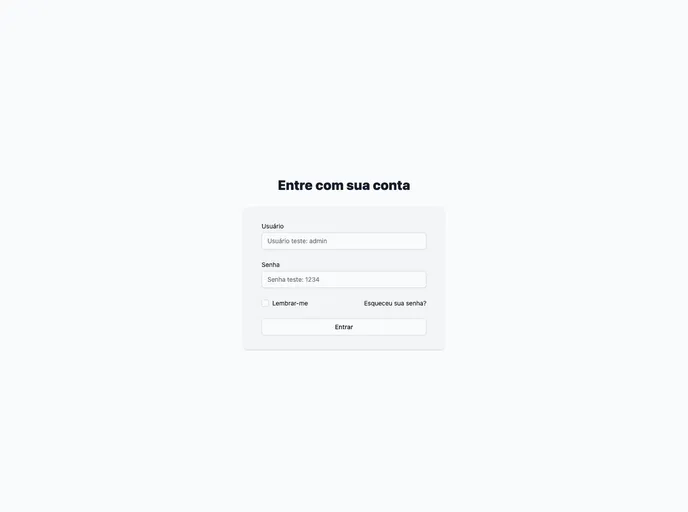
Commerce Admin screenshot

Commerce Admin

Author Avatar Theme by Kleversoncruz
Updated: 3 Nov 2021
6 Stars

Admin dashboard page written in NextJS and TailwindCss

Categories

Overview

The admin dashboard template is a versatile tool that can be used in various situations and projects. It offers a range of features that cater to different needs, making it an ideal choice for developers and designers.

Features

  • Built with React and NextJS: The template leverages the power of React and NextJS, ensuring a robust and efficient development experience.
  • Tailwind components: With a wide range of pre-built Tailwind components, the template allows for easy customization and implementation.
  • Dark mode: The template offers a dark mode feature, providing users with a visually appealing and customizable interface.
  • Theme colors change in runtime: Users can change the theme colors dynamically during runtime, allowing for a personalized and tailored experience.

Installation

To install the admin dashboard template, follow these steps:

  1. Clone the repository to your local machine.
git clone [repository_url]
  1. Navigate to the project directory.
cd [project_directory]
  1. Install the dependencies.
npm install
  1. Run the development server.
npm run dev
  1. Open http://localhost:8080 in your web browser to see the result.

Summary

The admin dashboard template is a feature-rich solution for developers and designers looking for a versatile tool for their projects. With its built-in React and NextJS integration, Tailwind components, dark mode feature, and dynamic theme color changes, it provides a robust and flexible foundation for creating functional and visually appealing admin dashboards.
