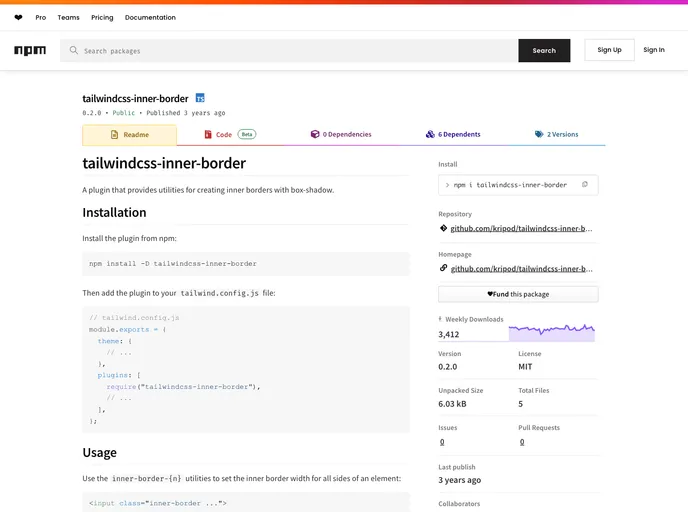
A Tailwind CSS plugin that provides utilities for creating inner borders with box-shadow.
Tailwind CSS has recently introduced an exciting plugin known as tailwindcss-inner-border, which adds a neat way to incorporate inner borders using box-shadow. This innovative solution not only enhances the visual appeal of your web elements but also allows for refined control over styling, making it a great addition for developers who prioritize aesthetics alongside functionality.
Utilizing this plugin is straightforward, and its rich features empower users to customize inner borders throughout their projects easily. Whether you are aiming to create subtle details or bold contrasts, this plugin has got you covered, bringing a new dimension to your Tailwind CSS toolkit.
tailwind.config.js file to get started quickly.inner-border-{n} utilities to set the inner border width on all sides of any element as per your design requirements.inner-border-{color} utilities, allowing for easy integration into your color scheme.theme.colors or theme.extend.colors, promoting flexibility in design.