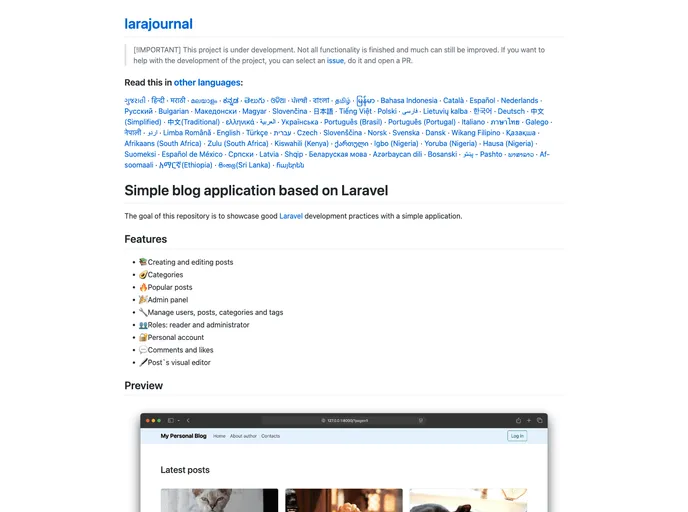
Laravel Blog screenshot

Laravel Blog

Author Avatar Theme by Gomzyakov
Updated: 8 Jan 2026
88 Stars

Simple blog application based on Laravel

Categories

Overview

The Laravel blog with Filament admin panel is a project that serves as a Laravel blog starter kit with a Filament admin panel integrated. It aims to demonstrate good Laravel development practices within a simple application setup.

Features

  • Creating and editing posts: Users can easily create and edit blog posts.
  • Categories: Categorize posts into different categories for better organization.
  • Popular posts: Highlight popular posts to attract more engagement.
  • Admin panel built on Filament: Utilizes Filament admin panel for efficient management.

Installation

To run the Laravel blog locally, follow these steps:

  1. Clone the project.
  2. Build the laravel-blog image with the provided command.
  3. Run the environment in the background.
  4. Install application dependencies with composer install.
  5. Set encryption key using an artisan command.
  6. Migrate the database and seed fake data.
  7. Add a Filament admin user.
  8. Access the blog in your browser at http://127.0.0.1:8000.

Summary

The Laravel blog with Filament admin panel project offers a convenient way to start a new blog using Laravel with an integrated admin panel for efficient management. By following the provided installation guide, users can quickly set up and run the blog locally, showcasing key features like post creation, category management, and highlighting popular posts.
