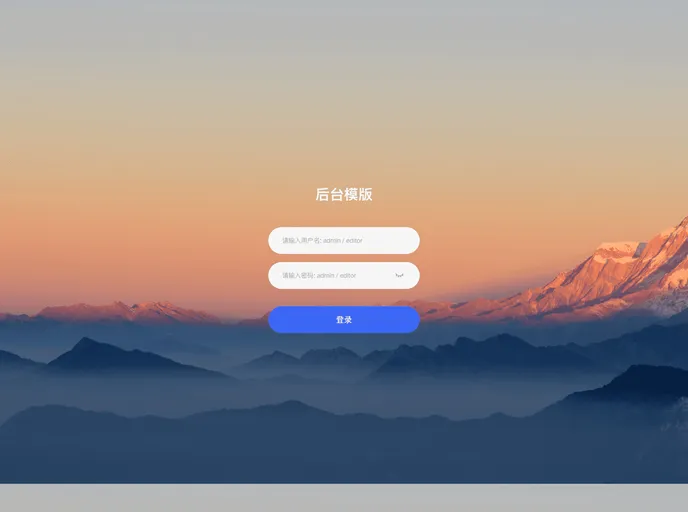
个性化向vue3后台管理项目模版
The Vue3 template is a popular tool used for creating and developing web applications. It is built on the Vue.js framework which makes it easy to use and highly efficient. This template provides a solid foundation for building scalable and robust web applications with Vue.js.
To install the Vue3 template, follow the steps below:
Step 1: Ensure that you have Node.js installed on your system. You can download and install it from https://nodejs.org.
Step 2: Once Node.js is installed, open your terminal or command prompt and run the following command to install the Vue CLI:
npm install -g @vue/cli
vue create my-app
Step 4: You will be prompted to select a preset for your project. Choose the default preset or manually select the features you want to include. Press Enter to proceed.
Step 5: Once the project is created, navigate to the project directory:
cd my-app
npm run serve
Now, you have successfully installed the Vue3 template and can start developing your web application.
The Vue3 template is an efficient and powerful tool for developing web applications using the Vue.js framework. It offers features like efficient development, component-based architecture, and advanced state management. By following the installation guide, developers can quickly set up the template and start building scalable and robust web applications.

