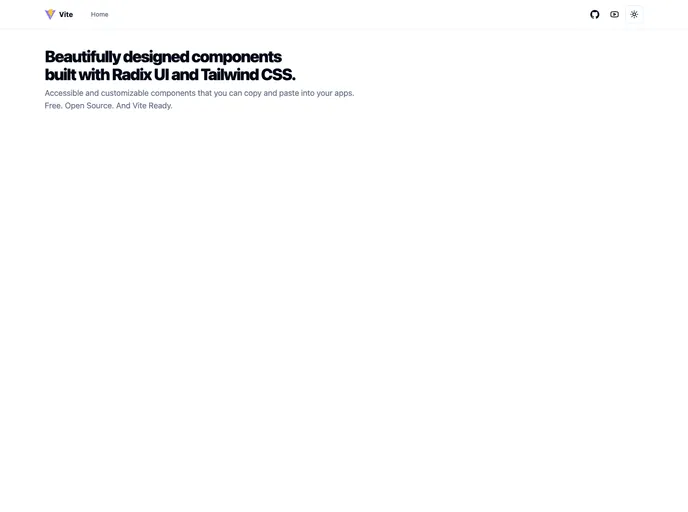
A React + TypeScript + Vite template for building apps with Radix UI and Tailwind CSS.
##Overview:
The React + TypeScript + Vite + Shadcn template is a development template that enables users to build apps using the Radix UI and Tailwind CSS libraries. It includes features such as React, TypeScript, Vite, and Shadcn, making it a versatile and powerful tool for building web applications.
##Features:
- React + TypeScript + Vite: The template utilizes the popular React library along with TypeScript for type checking and Vite for fast and efficient development.
- Radix UI Primitives: Radix UI provides a set of well-designed and accessible UI components that can be easily customized and used in the application.
- Tailwind CSS: The template includes the Tailwind CSS library, which offers a utility-first approach to styling and provides a wide range of CSS classes for building responsive and intuitive interfaces.
- Icons from Lucide: The template includes a collection of icons from the Lucide icon set, allowing developers to easily integrate icons into their application.
- Dark mode: The template supports a built-in dark mode feature, allowing users to switch between light and dark themes for an enhanced user experience.
- Tailwind CSS class sorting, merging, and linting: The template provides functionality for sorting, merging, and linting Tailwind CSS classes, ensuring clean and organized stylesheets.
##Installation:
To install the React + TypeScript + Vite + Shadcn template, follow the steps below:
- First, make sure you have Node.js installed on your machine.
- Open your preferred terminal and navigate to the desired directory where you want to install the template.
- Run the following command to clone the template repository:
git clone [repository-url]
- Once the repository is cloned, navigate into the project directory:
- Install the dependencies by running the following command:
- After the installation is complete, you can run the template in development mode using the following command:This will start the development server and you can access the application at http://localhost:3000/.
##Summary:
The React + TypeScript + Vite + Shadcn template is a comprehensive development template for building web applications. It combines the power of React, TypeScript, Vite, Radix UI, and Tailwind CSS to provide developers with a solid foundation for creating responsive and feature-rich apps. With its easy installation process and a range of preconfigured features, the template offers a convenient solution for developers looking to kickstart their projects and streamline their development workflow.