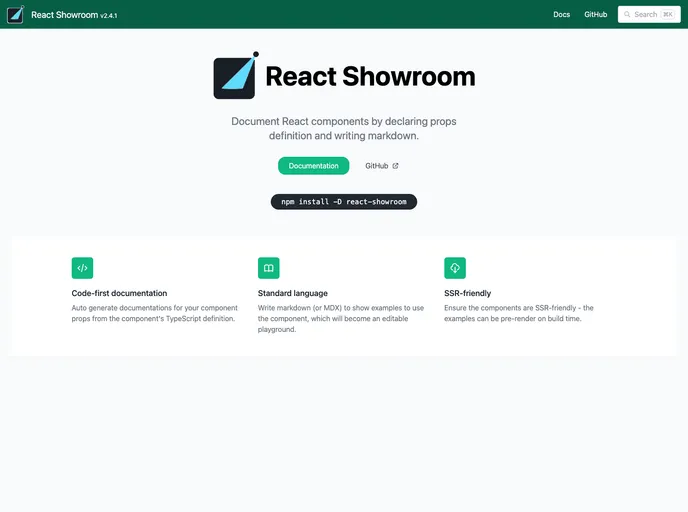
Document React components by declaring props definition and writing markdown.
The React Showroom is a tool that allows you to document and showcase your React components. It helps you generate documentation for your component props, write examples to demonstrate component usage, and provides an editable playground. The Showroom also supports multiple languages for live examples and allows for collaboration by allowing code editing and commenting with shareable URLs. It ensures that your components are SSR-friendly and can be pre-rendered during build time.
To install React Showroom, you can follow these steps:
npm install react-showroom
import { ShowroomProvider } from 'react-showroom';

function App() {
  return (
    <ShowroomProvider>
      {/* Your app components */}
    </ShowroomProvider>
  );
}
import React from 'react';
import { ComponentShowroom } from 'react-showroom';

/**
 * MyButton component description.
 */
const MyButton = ({ label }) => (
  <button>{label}</button>
);

<MyButtonShowroom
  props={{/*
    label: 'Hello World'
  */}}
>
  {`
    ## Example Usage

    <MyButton label="Click Me" />
  `}
</MyButtonShowroom>
React Showroom is a tool that simplifies the process of documenting and showcasing React components. It provides automatic generation of component prop documentation, an editable playground, and collaboration features. By allowing you to write documentation in a more stable medium like markdown, it gives you more freedom and flexibility to migrate to alternative tools in the future. The tool is easy to install and integrate into your existing workflow, allowing you to focus on developing and documenting your components efficiently.

