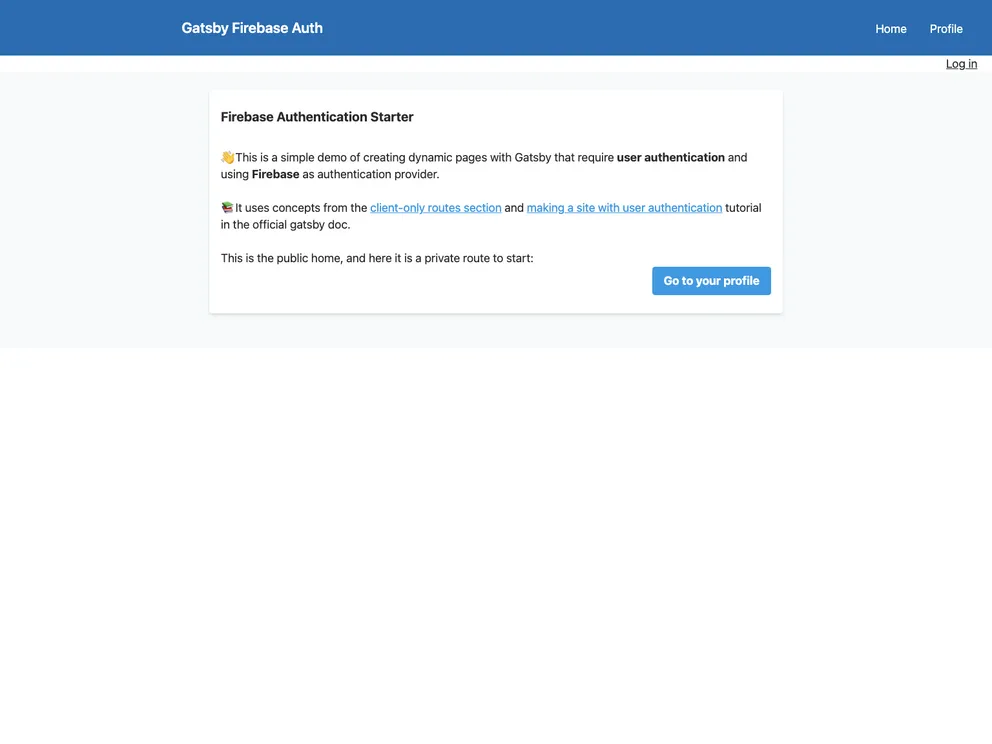
Gatsby Starter with Firebase simple auth workflow and private routes
The Gatsby Firebase Authentication Starter is a Gatsby starter template that demonstrates how to implement an authentication workflow in Gatsby using Firebase as the authentication provider. The starter follows the best practices outlined in the official Gatsby documentation and utilizes the Gatsby Plugin Create Client Path to secure private routes.
To use the Gatsby Firebase Authentication Starter, follow these steps:
.env.sample file to .env.development and .env.production in your project’s root directory.GATSBY_.The Gatsby Firebase Authentication Starter provides a convenient starting point for building a Gatsby website with user authentication. It leverages Firebase for authentication and implements client-only routes for secure access to private content. Whether you want to report bugs, improve the documentation, or contribute new features, the Gatsby Firebase Authentication Starter welcomes all contributions.

