A 11ty starter, PWA, Tailwind Css, SEO...
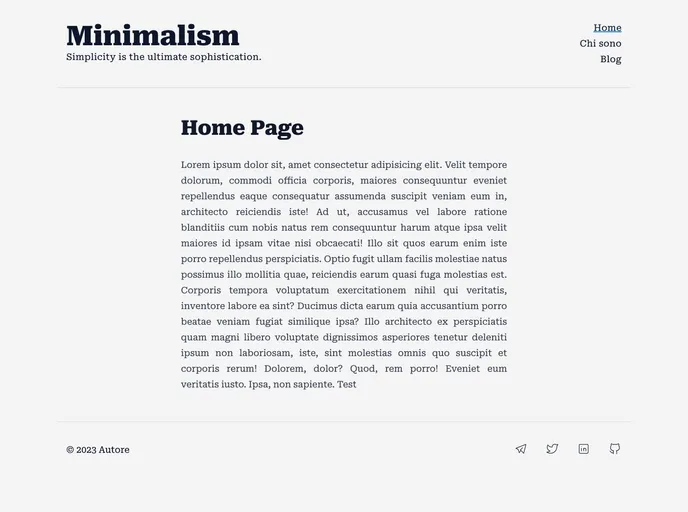
Minimalism is a theme that embraces simplicity and sophistication. It offers a wide range of features that allow users to quickly create pages, customize favicons, manage blogs, generate RSS feeds, create sitemaps, optimize SEO, and more. The theme also provides dynamic social images for each page, a 404 error page, offline page, easy social media links, and supports light and dark modes. It is highly performant and achieves a perfect score on lighthouse. Minimalism utilizes popular plugins like Eleventy, eleventy-img, eleventy-plugin-rss, eleventy-navigation, and social-images. It also includes Tailwindcss, typography, slugify, Luxon, html minifier, rimraf, npm-run-all, Tabler Icon, and is deployed using Netlify.
Here is a guide to installing the Minimalism theme:
npm install to install the necessary dependencies.npm run build.Minimalism is a sophisticated and minimalist theme that offers a range of powerful features for creating fast and optimized websites. With its easy installation process and comprehensive documentation, users can quickly set up and customize their websites to suit their needs. The theme’s focus on performance and functionality, combined with its support for popular plugins and tools, makes it a valuable choice for website development. Whether you’re a blogger, business owner, or developer, Minimalism provides the tools you need to create a beautiful and efficient website.

