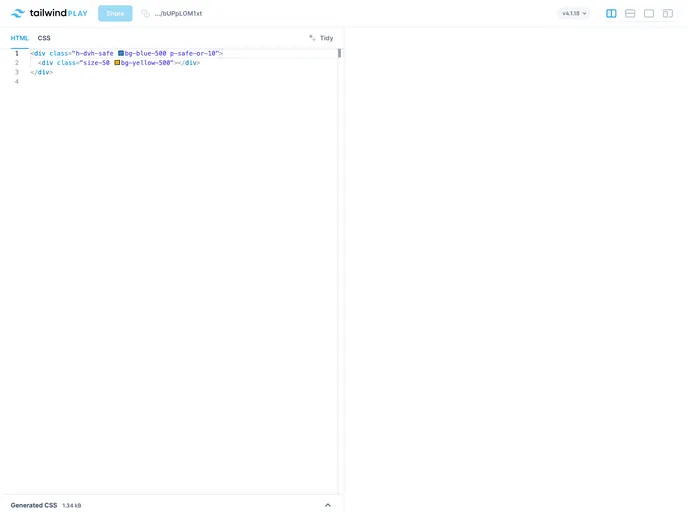
Tailwind CSS utilities for safe areas
Tailwind CSS has introduced a powerful set of utilities designed specifically for safe areas, ideal for ensuring optimal layout and design on devices with notches or rounded corners. This extension effortlessly accommodates modern screen designs, giving developers the tools they need to create content that respects safe areas while maintaining visual appeal. Whether you are a seasoned frontend developer or just starting, these utilities can significantly enhance your workflow.
With its responsive design capabilities and flexible spacing helpers, Tailwind CSS for safe areas makes it easy to manage margins and padding in a way that adheres to the unique features of various devices. The support for modern CSS properties not only streamlines the development process but also offers dynamic adaptations for your layouts, ensuring that they look great across all platforms.
Responsive Safe Area Utilities: Tailored for margin, padding, height, and position, these utilities ensure your design fits perfectly, regardless of the device.
Flexible Spacing Helpers: Use offset and various variants to adapt spacing dynamically around safe areas, enhancing visual clarity and usability.
Modern CSS Support: Incorporates logical properties and scroll snap, ensuring a contemporary approach to layout designs.
Comprehensive Margin and Padding Options: Includes a wide array of utilities like m-safe, p-safe, and various combinations to easily handle space adjustments.
Height Utilities: Access screen and viewport utilities such as h-screen-safe and min-h-vh-safe to manage vertical layouts effectively.
Positioning Control: Utilities like inset-safe and directional offsets allow for precise control over content positioning while respecting safe areas.
Border Utilities: Provides additional options for managing borders that align with safe area guidelines, ensuring a clean and organized appearance.
Enable/Disable Safe Areas: Easily toggle safe area settings with options like safe-none or specific directional safe settings, giving you added flexibility in design.

