Overview
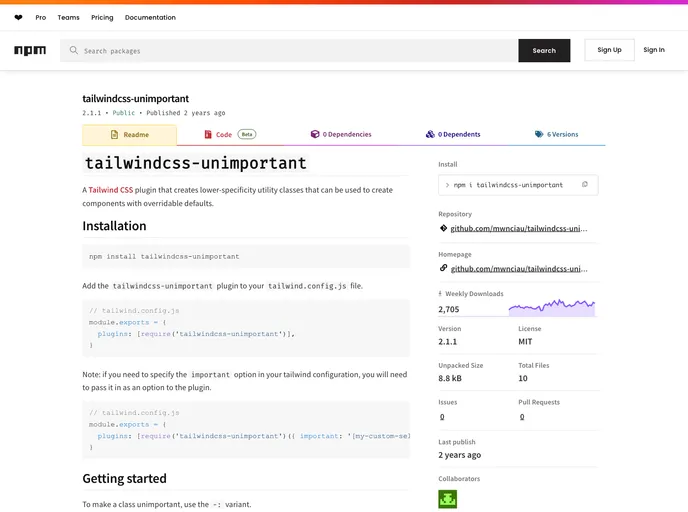
The tailwindcss-unimportant plugin offers a powerful solution for developers using Tailwind CSS, allowing for greater flexibility in styling components. It creates lower-specificity utility classes that can be particularly useful when designing complex components where default styles need to be easily overridable. By facilitating a system of customizable unimportance levels, this plugin enhances the utility of Tailwind CSS without sacrificing performance or clarity.
This plugin is especially helpful for developers looking to extend components or modify styles without the risk of conflicts between similarly-named classes. With this approach, creating a cohesive and manageable styling system within Tailwind CSS becomes much more attainable.
Features
- Lower-Specificity Classes: The plugin generates utility classes with reduced specificity, ensuring that they can be easily overridden by other classes without complications.
- Flexible Unimportance Levels: Users can choose from multiple levels of unimportance, utilizing symbolic or numeric variants to manage class precedence effectively.
- Support for Arbitrary Values: The plugin allows for the inclusion of arbitrary values, granting even more customization options when defining unimportant classes.
- Interchangeable Variants: Developers can use both symbolic and numeric variants interchangeably, providing greater flexibility in class naming conventions.
- Improved Specificity Management: By adjusting specificity settings within Tailwind’s configuration file, this plugin enables unimportant classes to maintain usability alongside default styles.
- Prioritized Output: Classes with greater levels of unimportance are generated first in the CSS file, optimizing cascade ordering for better control of styles.
- Ease of Installation: Integrating the plugin into an existing Tailwind CSS project is straightforward, requiring minimal changes to the configuration file.