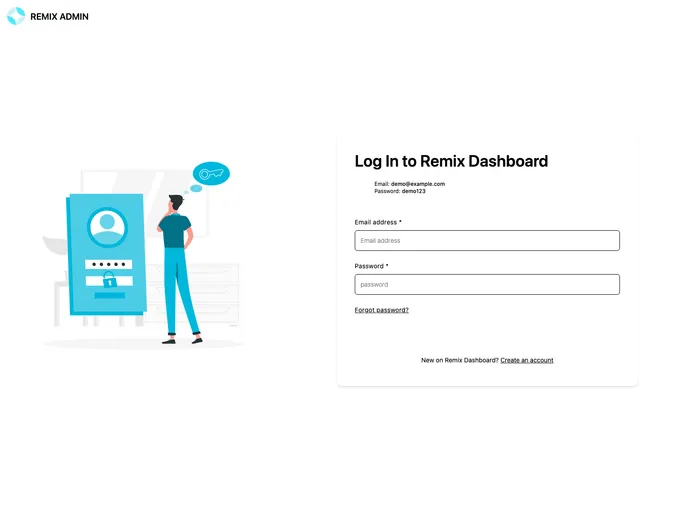
The Remix Supabase starter demonstrates how to integrate Supabase into an Remix project deployed on Netlify.
The Remix Admin Template is a robust solution tailored for developers looking to leverage the power of Supabase within a Remix project. This well-structured template allows for seamless deployment on Netlify, providing a straightforward path from setup to live application. With efficient database management and built-in styling, this template makes it easier than ever to kickstart your projects without getting bogged down in complexity.
By utilizing this template, you can harness the capabilities of Supabase while adhering to best practices in deployment and styling. Whether you’re a seasoned developer or just starting, the Remix Admin Template is designed to facilitate a smooth development experience.
Easy Deployment: Effortlessly deploy your project to Netlify with a single click using the “Deploy to Netlify” button, which automatically sets up your repository.
Supabase Integration: This template includes everything needed to integrate Supabase, enabling you to set up and manage your database efficiently.
Database Setup Made Simple: Quickly create and seed a new Supabase database with easily executable SQL commands and imports from the provided seed file.
Production-Ready Server: With built-in support for running your app in production mode, simply build your application and choose a host to go live.
Tailwind CSS Configuration: Benefit from pre-configured Tailwind CSS for instant styling, allowing you to customize your application’s appearance with ease.
DIY Deployment: For those familiar with Node applications, the template supports deploying via the built-in Remix app server, giving you flexibility in hosting.
Support Forum Access: In case you encounter any issues, you can gain assistance through dedicated support forums, ensuring help is always available.

