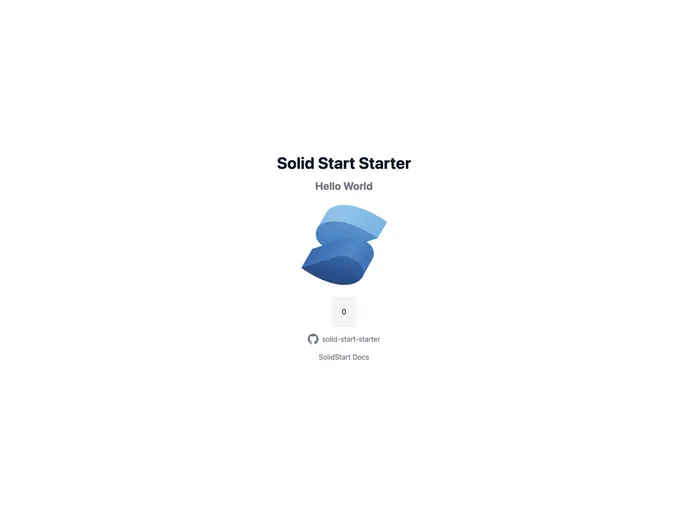
SolidJS project starter template with TypeScript, ESLint, TailwindCSS, tRPC and Prisma
Solid Start Starter is a minimal, opinionated starter package that provides a solid foundation for web development. It includes various features such as SolidStart, Prisma, RPC, TailwindCSS, deployment to Vercel, and more. This package is compatible with the pnpm package manager and provides additional tools such as solid-devtools integration for WebStorm and ESLint configuration. With pre-commit hooks and environment variable configurations, Solid Start Starter offers a convenient and efficient solution for starting web development projects.
To install Solid Start Starter, follow these steps:
Install the pnpm package manager:
npm install -g pnpm
Create a new project using the Solid Start Starter template:
pnpm init solid-start my-app
Navigate to the project directory:
cd my-app
Install project dependencies:
pnpm install
Start the development server:
pnpm dev
Open the project in your preferred IDE (e.g., WebStorm or Visual Studio Code) and start building your application.
Solid Start Starter is a feature-rich and opinionated starter package for web development projects. With its minimal and efficient setup, it provides developers with a solid foundation to build upon. Features like SolidStart, Prisma, TailwindCSS, and more offer convenience and flexibility. Additionally, the integration with various tools and libraries such as solid-devtools and ESLint improves the development experience. Overall, Solid Start Starter is a great choice for developers looking to start their web projects off on the right foot.

