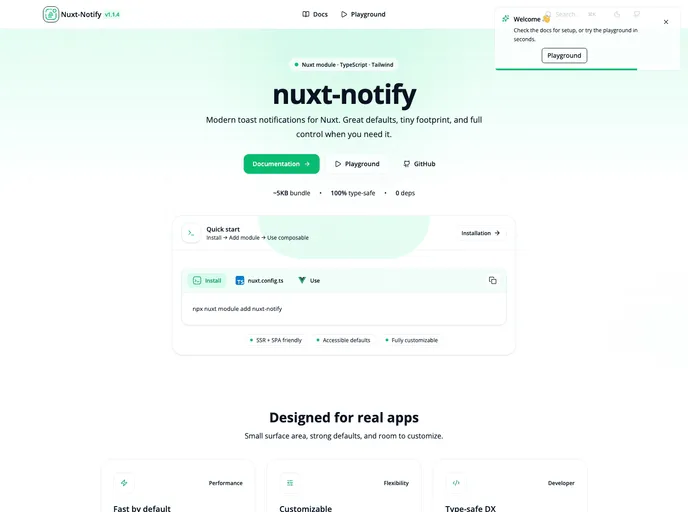
Advanced toast notifications for Nuxt 3 / Nuxt 4 with Tailwind CSS and Nuxt Icon — clean UI, actions, avatars, progress, themes, and per-toast Tailwind overrides.
Overview
Nuxt Notify is an advanced toast notification library designed specifically for Nuxt 3 and 4, leveraging the utility-first CSS framework, Tailwind CSS, to deliver a sleek and customizable user experience. This plugin is particularly beneficial for developers looking to implement notifications seamlessly within their applications, providing an array of features that enhance the overall interface without compromising performance.
With easy integration and a clean user interface, Nuxt Notify stands out by allowing developers to customize notifications according to their application’s needs. From personalization options to functional enhancements like progress bars and action buttons, it caters to a wide range of notification requirements, making it a must-have tool for Nuxt developers.
Features
- Compatibility: Supports both Nuxt 3 and Nuxt 4, ensuring that you can use it across various projects without compatibility issues.
- Auto-Mounting: The toast container mounts automatically, eliminating the need for manual component setup and making it simple to implement.
- Tailwind Integration: Works flawlessly with Tailwind CSS versions 3 and 4, utilizing Tailwind’s utility classes for styling.
- Icon Support: Easily integrates with Nuxt Icon for adding icons to notifications, enhancing visual appeal and functionality.
- Positioning Flexibility: Offers multiple positioning options for toasts, allowing notifications to be displayed in the top-right, top-left, bottom-right, bottom-left, top-center, and bottom-center of the screen.
- Global Configuration: Provides global configuration options through nuxt.config.ts, enabling centralized settings for notifications.
- Custom Actions: Supports both vertical and horizontal layouts for actionable buttons within notifications, improving user interaction.
- Progress Indicators: Includes a progress bar feature that can pause on hover, giving users a better visual cue on notification duration.