NextJS/FiveM Boilerplate (Typescript, Tailwindcss, Redux Toolkit, DaisyUI)
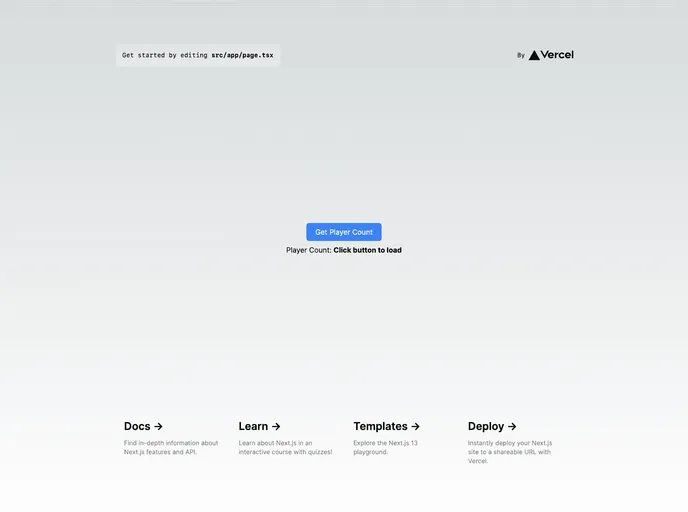
The FiveM NUI NextJS Boilerplate is a tool that allows users to quickly get started with the right tools for their FiveM UI development. This boilerplate provides features such as Typescript, NextJS 14, Next-themes, Tailwindcss, and Redux Toolkit. It also includes instructions on how to integrate it with FiveM and deploy it via Vercel or manually.
To get started with the FiveM NUI NextJS Boilerplate, follow these steps:
FiveM Resource
fivem-nextjs-example to your resources folder.ensure fivem-nextjs-example to your server.cfg file.ui_page url in fxmanifest.lua to your UI deployment url.config.lua to your liking.NextJS UI
.env in the Vercel dashboard.ui_page url in fxmanifest.lua to your UI deployment url.ui folder.npm install or yarn install or pnpm install to install the dependencies.npm run build or yarn build or pnpm build to build the project.npm run start or yarn start or pnpm start to start the project.ui_page url in fxmanifest.lua to your UI deployment url.The FiveM NUI NextJS Boilerplate is a helpful tool for developers looking to quickly start their FiveM UI development. With features such as Typescript, NextJS 14, Next-themes, Tailwindcss, and Redux Toolkit, it provides a powerful foundation for creating UIs in FiveM. The boilerplate also offers instructions for integrating with FiveM and deploying the UI either via Vercel or manually. Overall, this boilerplate streamlines the initial setup process and offers a solid starting point for UI development in FiveM.

