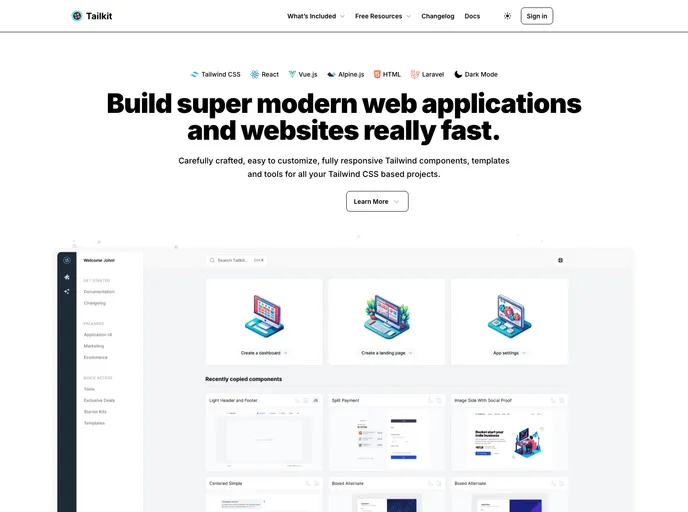
HTML Starter Kit for using Tailkit UI components out of the box in your project.
Tailkit - Starter Kit - HTML is an HTML Starter Kit designed for using Tailkit’s UI components in your project. It serves as a playground to test out the UI components and experiment with them. The kit utilizes Tailwind Play CDN to provide the necessary resources.
To install the Tailkit - Starter Kit - HTML and have the index.html file refresh automatically on changes, follow the steps below:
npm install -g live-server
Once the installation is complete, navigate to the directory containing the index.html file.
Run the following command in your terminal to start the live-server:
live-server
This will serve the index.html file and automatically refresh it whenever changes are made.
Tailkit - Starter Kit - HTML is an HTML Starter Kit that allows developers to easily integrate and test Tailkit’s UI components in their projects. It provides a playground environment for experimenting with the UI components and utilizes the Tailwind Play CDN to ensure the necessary resources are available. By following the installation guide, developers can quickly set up the starter kit and have the index.html file automatically refresh on changes for seamless development experience.

