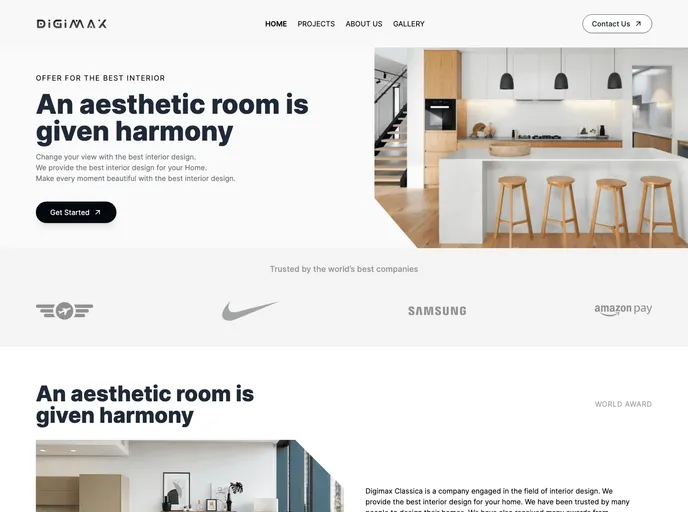
Stunning interior design portfolio built with Next.js, React, and Tailwind CSS. Explore our projects and get inspired!
This article provides an introduction to a Next.js project that is bootstrapped with create-next-app. It includes instructions on how to run the development server and edit the page. The project also utilizes next/font to optimize and load a custom Google Font. Additionally, the article mentions resources for learning more about Next.js and provides information on deploying the app using the Vercel platform.
To install and run the Next.js project, follow these steps:
npm install
npm run dev
http://localhost:3000
This article introduces a Next.js project bootstrapped with create-next-app. It provides instructions on how to install and run the project, as well as how to edit the page. The project utilizes next/font to optimize and load a custom Google Font. Additionally, the article includes information on learning more about Next.js and deploying the app using the Vercel platform.

